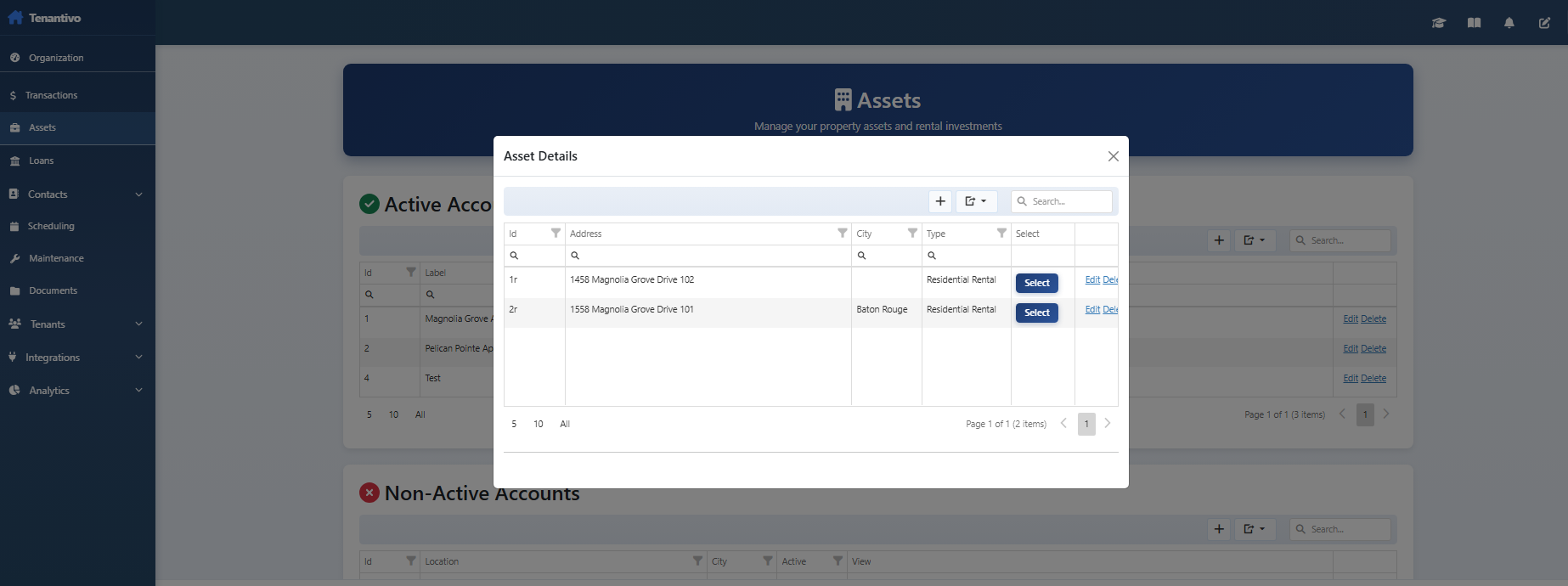
Tenants → Tenants
Manage current tenants, leases, move-in/move-out, and tenant records.
Showing Web screenshots
Switch between web app and mobile app screenshots. Step text is the same; mobile images can be uploaded separately.
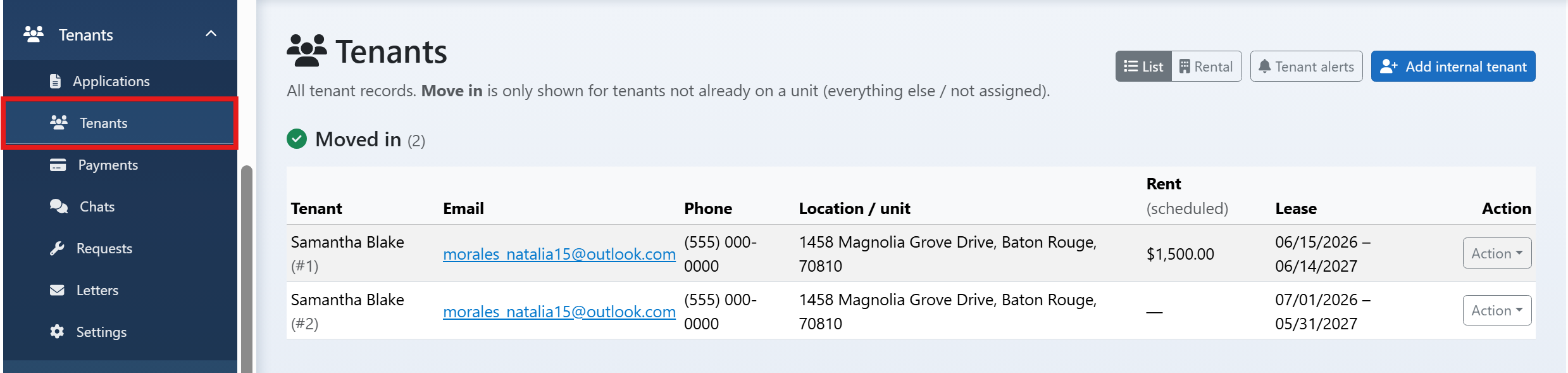
Opening the Current Tenants list (occupied properties/rentals)
Go to /Manager/CurrentTenants to see all current tenants (occupied rentals). Use this as the main list for active leases.

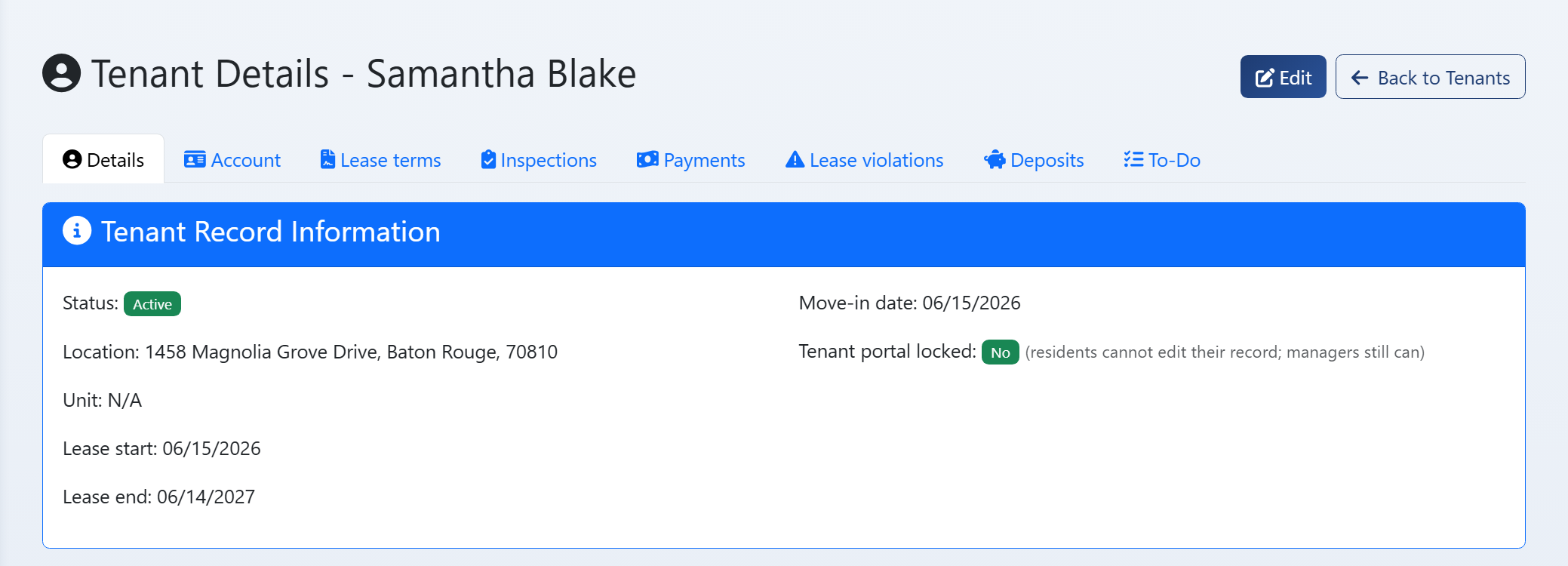
Viewing tenant detail (lease, contact, payment history, notes)
Open a tenant to see lease details, contact info, payment history, and notes. This is the central record for the tenancy.

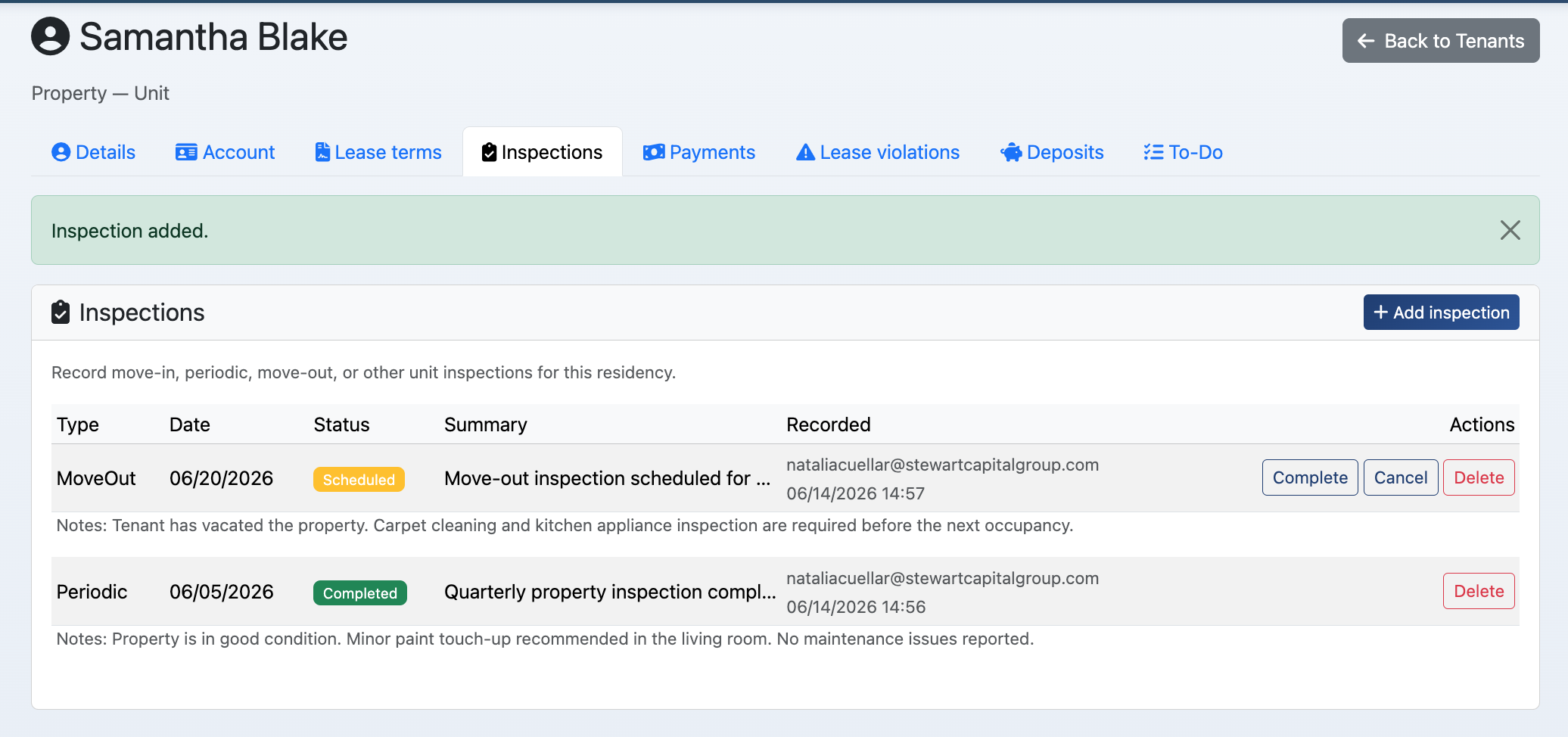
Inspections: viewing and managing inspections for a tenant
View and manage inspections (move-in, periodic, move-out) for the tenant. Add inspection records and attach photos or documents.

Leases: creating a new lease, editing, deleting a lease
Create a new lease for a tenant (dates, rent, terms). Edit or delete leases as needed. Keep lease history for compliance.
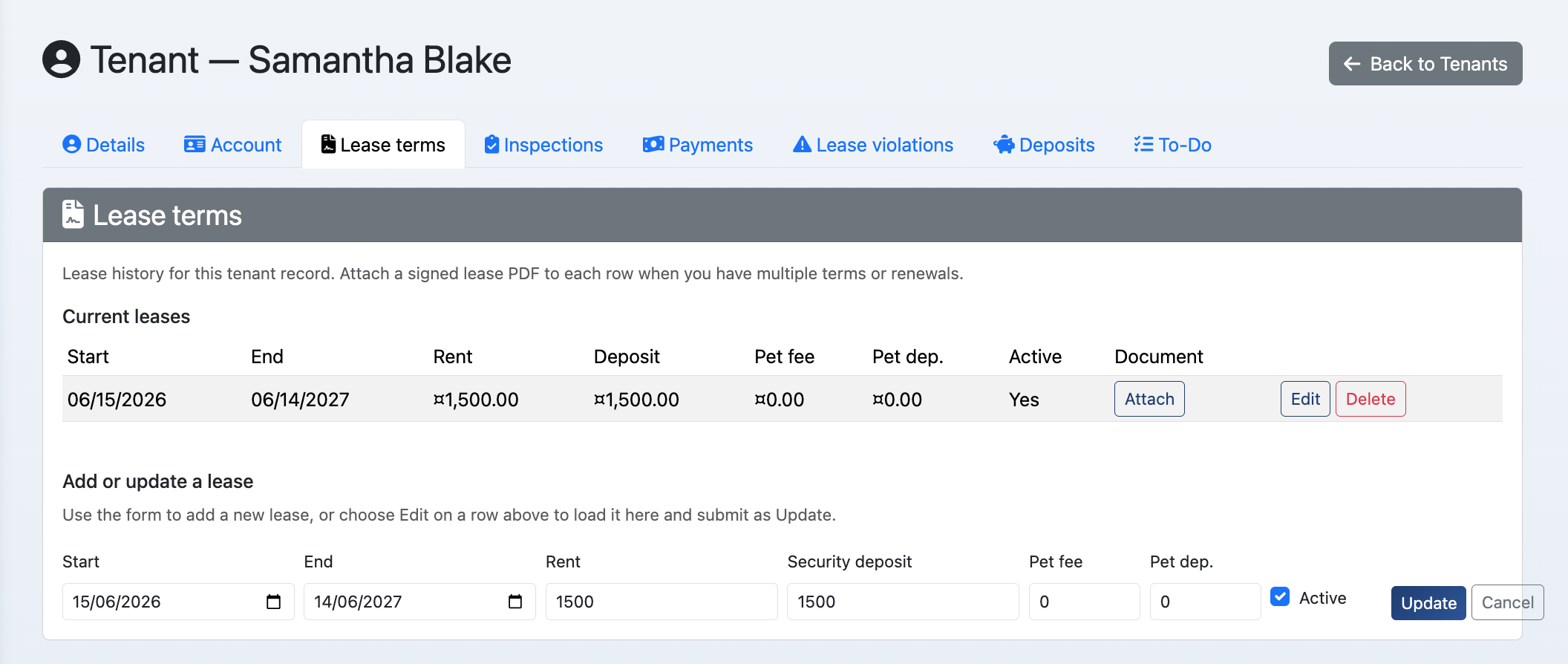

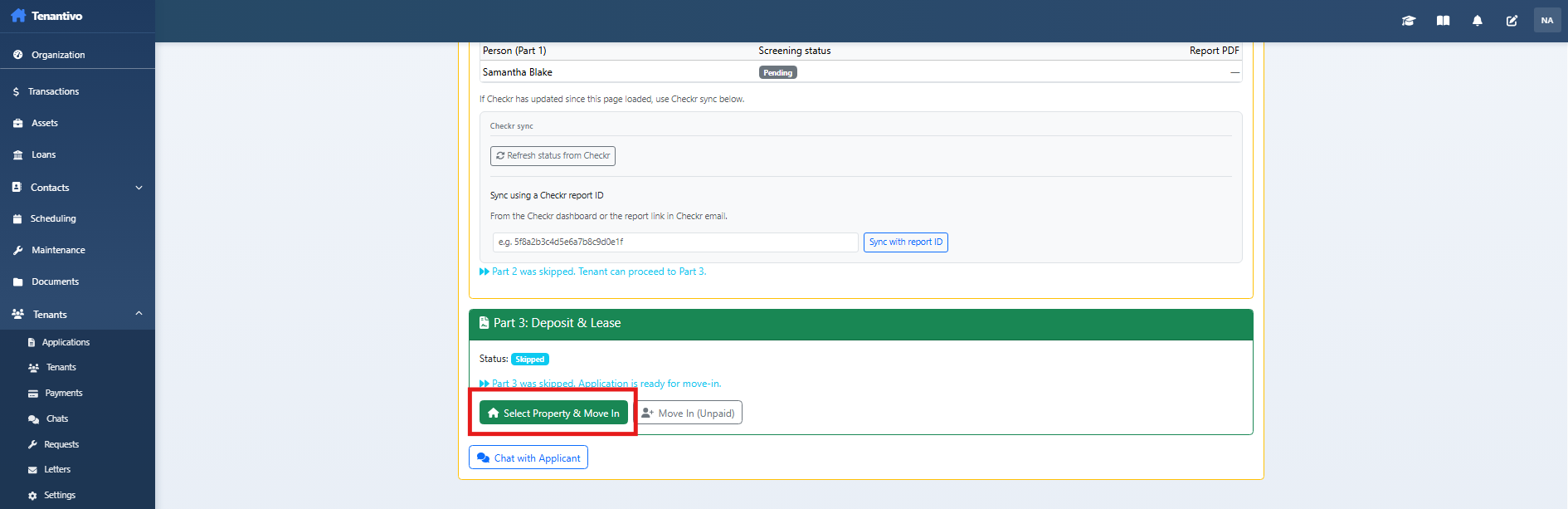
Move-in form and Process Move In (dates, rental, rent, fees)
Complete the move-in form: set lease dates, rental unit, rent amount, and fees. Process Move In to activate the tenancy and tenant portal access.

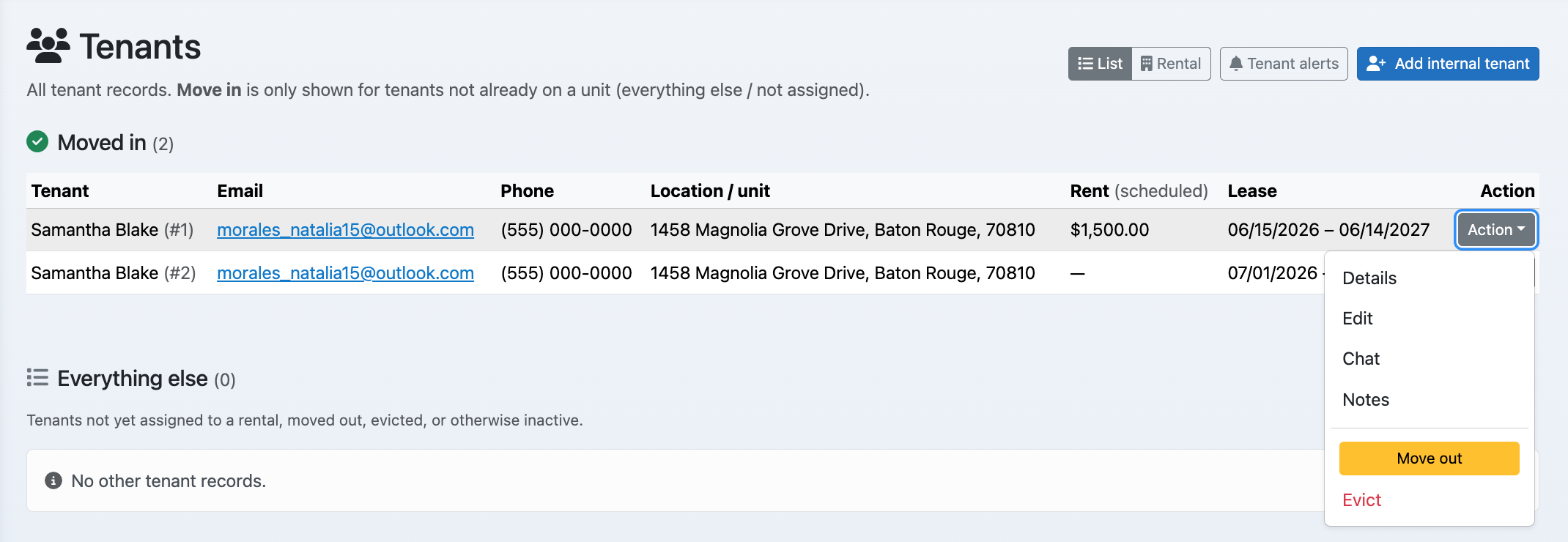
Move-out: processing move-out for a tenant/rental
Process move-out: set move-out date, final balance, deposit disposition. This may end the lease and move the tenant to moved-out history.

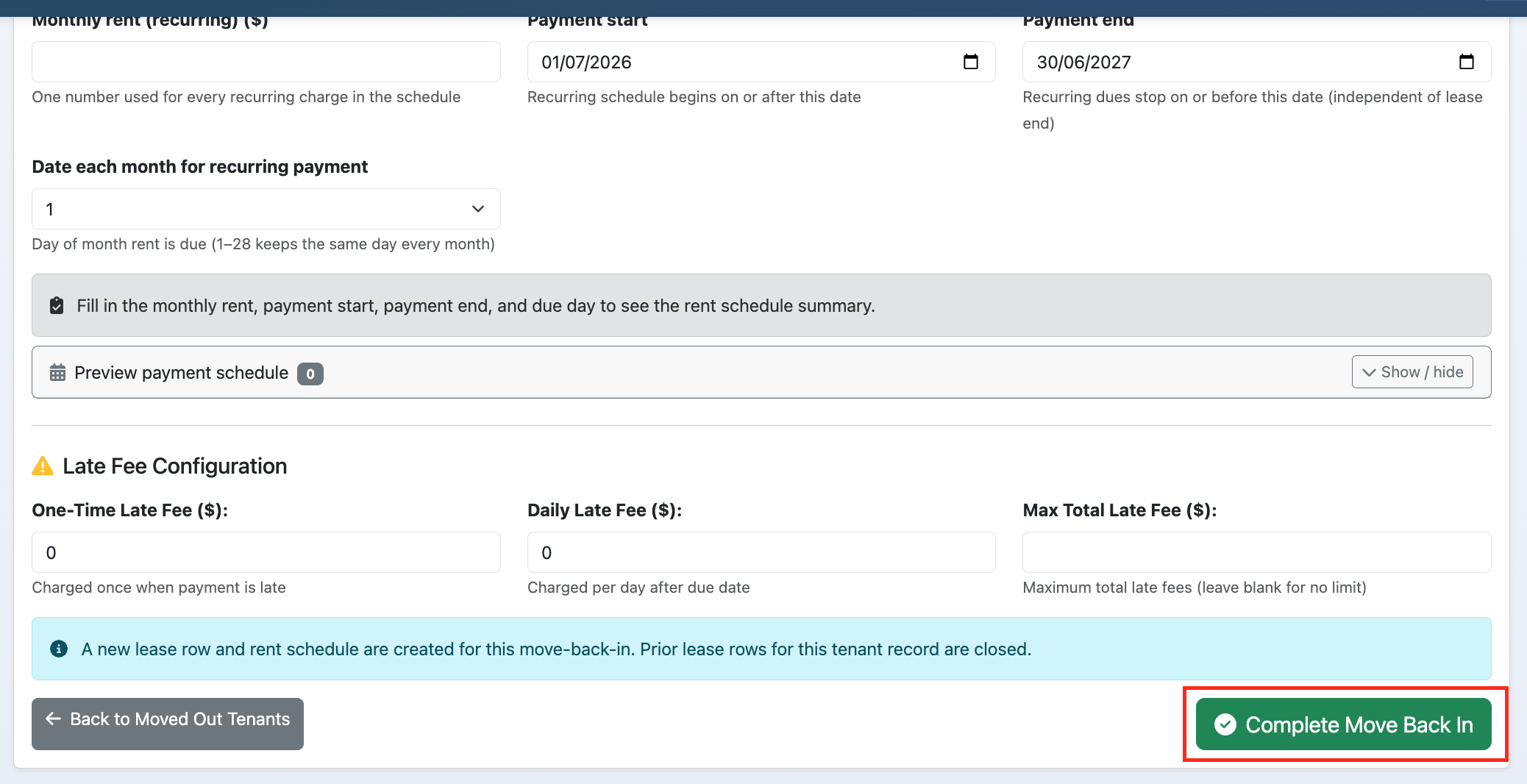
Move back in (MoveBackIn) after move-out if applicable
If a tenant returns to the same or another unit, use Move back in to create a new lease and restore tenant record without re-applying.

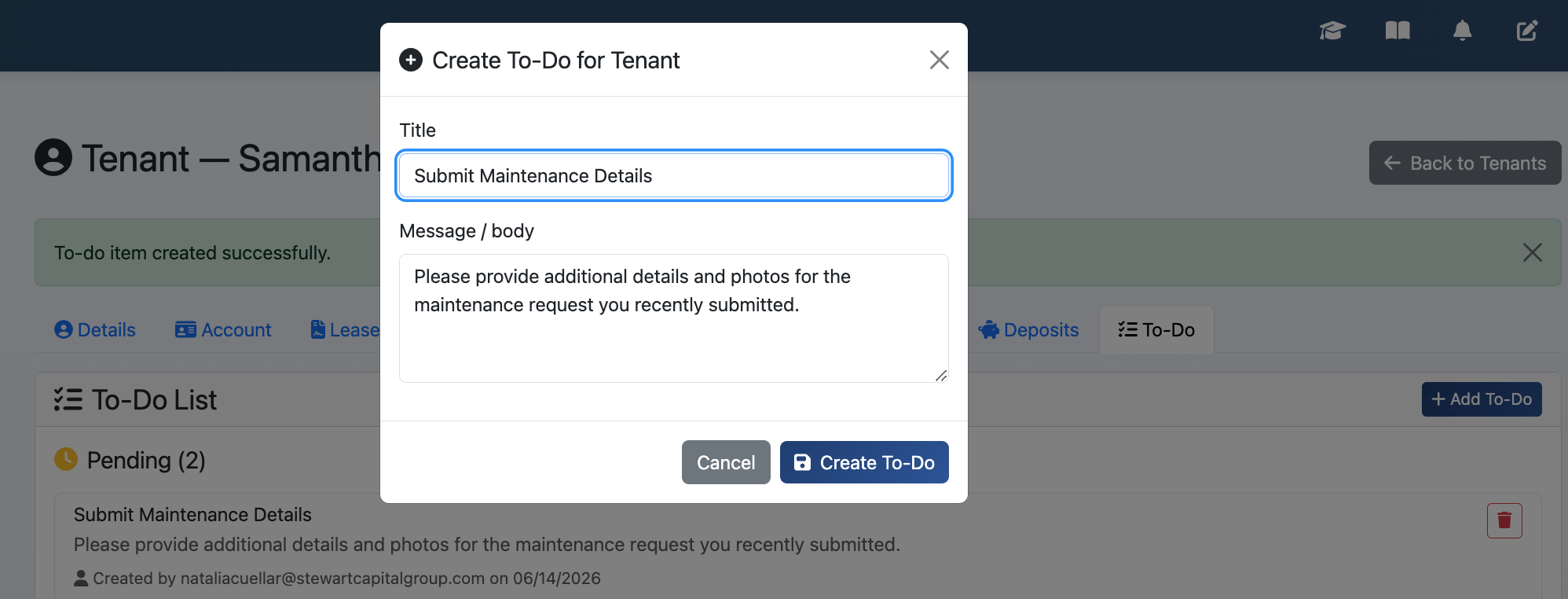
Tenant todos: creating and deleting todos for the tenant
Create todos for the tenant (e.g. sign lease, upload insurance). They see these in the tenant portal. Delete or mark complete as done.

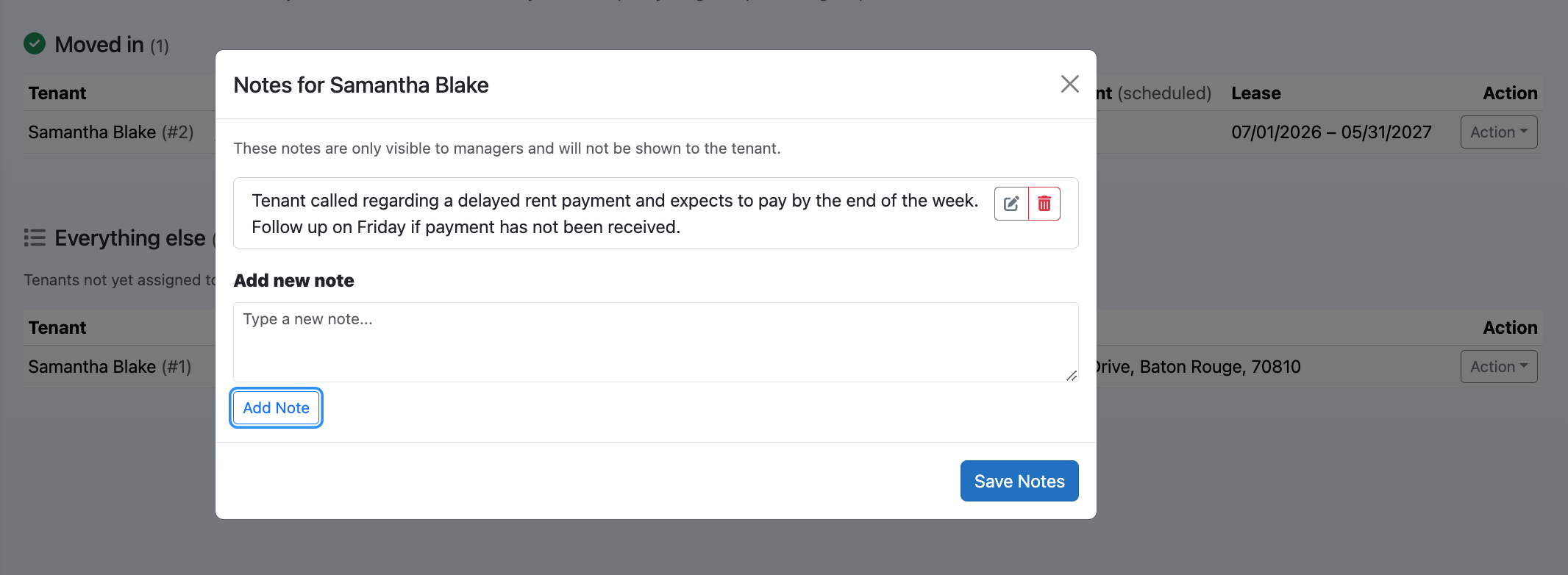
Manager notes (tenant notes, visible only to staff)
Add manager notes on the tenant record. These are internal only and not visible to the tenant. Use for follow-ups or sensitive info.

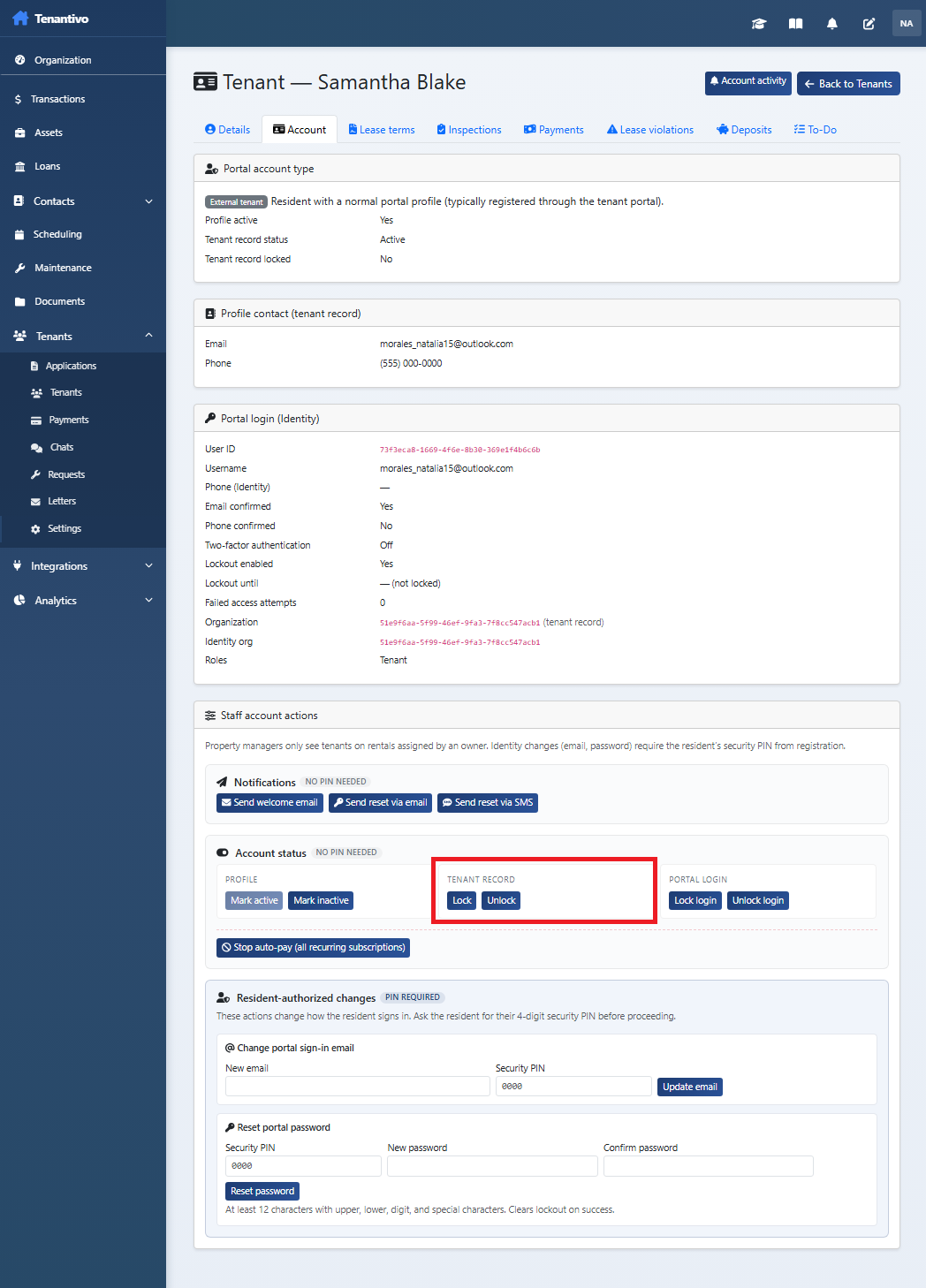
Lock tenant payments (reason and unlock)
Lock payments for a tenant when needed (e.g. dispute, transition). Enter a reason. Unlock when they can pay again.

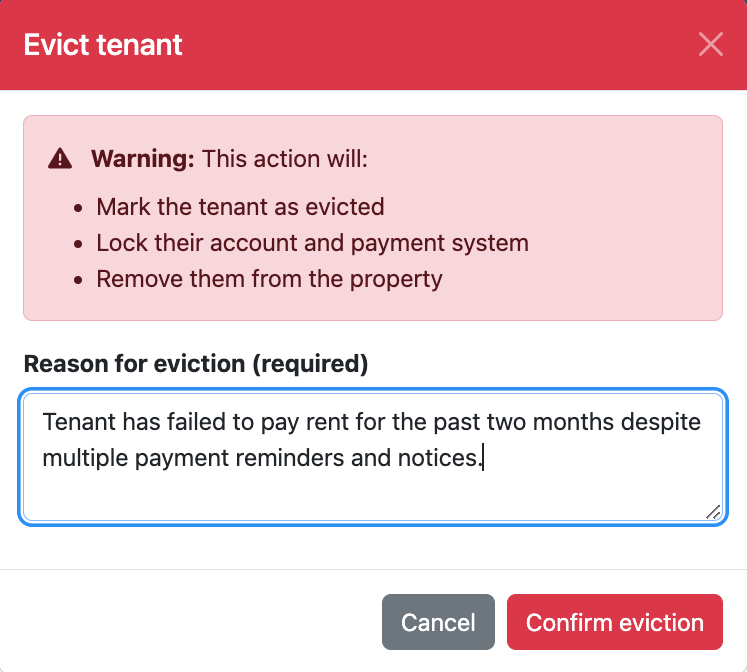
Evict tenant (reason and workflow)
Use the Evict workflow when legally appropriate. Enter reason and follow your process. This may update status and restrict portal access.

Moved-out tenants list and history
View the list of moved-out tenants and history. Use for reference, re-renting, or reporting.


Locations and rentals (Create/Update/Delete location, Create/Update/Delete rental) from tenant/location management
Manage locations and rentals: create, update, or delete locations and rentals from the tenant or location management area. Keeps property structure correct.