Metrics & Reports

Run and export reports for rent roll, income and expense, maintenance, and more.

Platform

Showing Web screenshots

Switch between web app and mobile app screenshots. Step text is the same; mobile images can be uploaded separately.

Opening the Reports list and category tabs

Go to /Report/Index to see available reports. Use category tabs (e.g. Financial, Occupancy, Maintenance) to find the report you need.
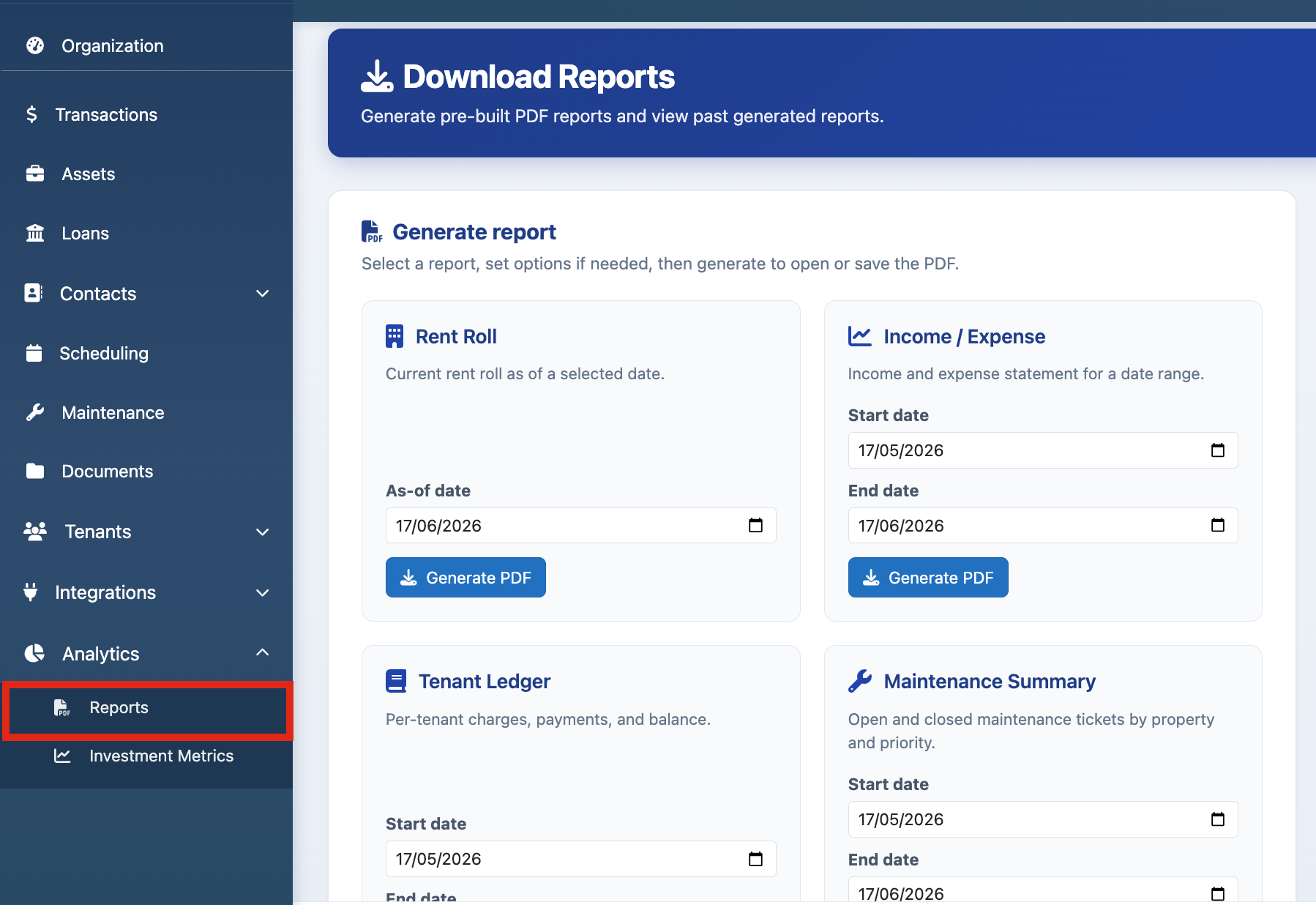
Web screenshot not available — upload Workspace-PointEighteen-1.png to scgstorage03/resources

Mobile screenshot not available — upload Workspace-Mobile-PointEighteen-1.png to scgstorage03/resources

Rent roll report (PDF, as-of date)

Run the rent roll report. Set the as-of date and generate PDF. Shows units, tenants, rent, and status.
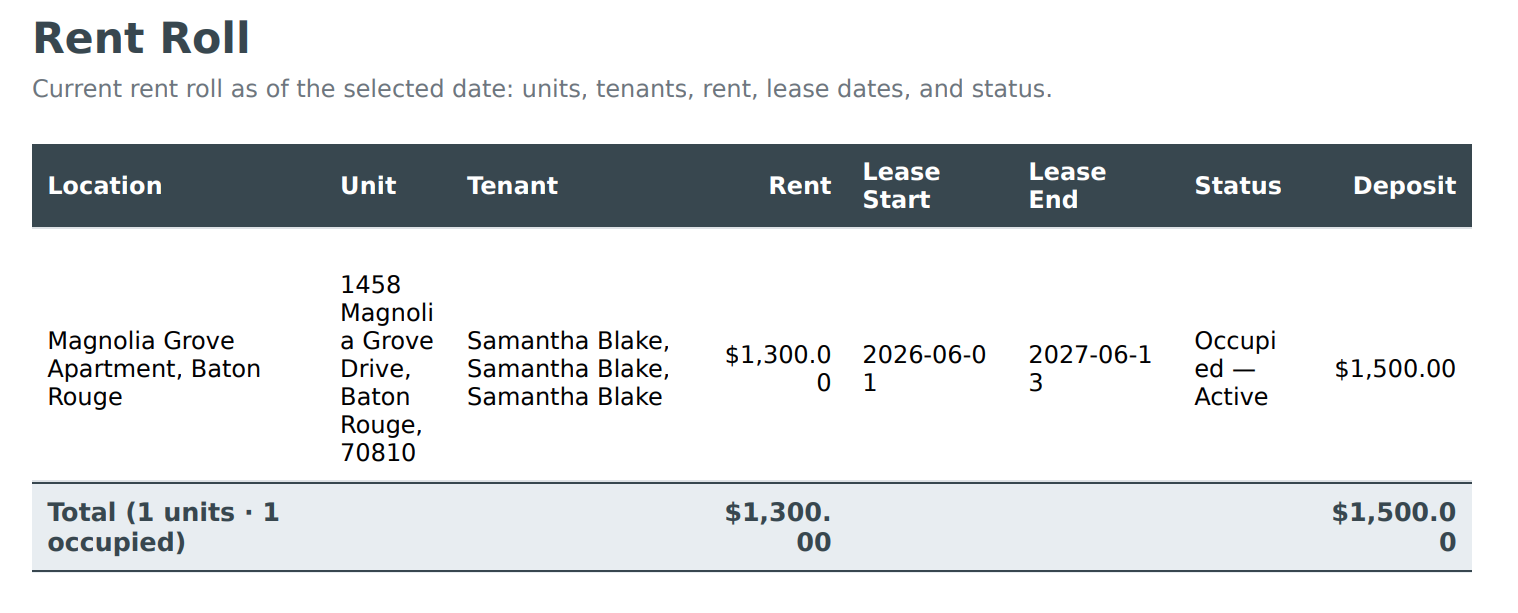
Web screenshot not available — upload Workspace-PointEighteen-2.png to scgstorage03/resources

Mobile screenshot not available — upload Workspace-Mobile-PointEighteen-2.png to scgstorage03/resources

Income & expense report (date range, PDF)

Run income and expense report for a date range. Generate PDF for sharing or records. Shows income and expenses by category.
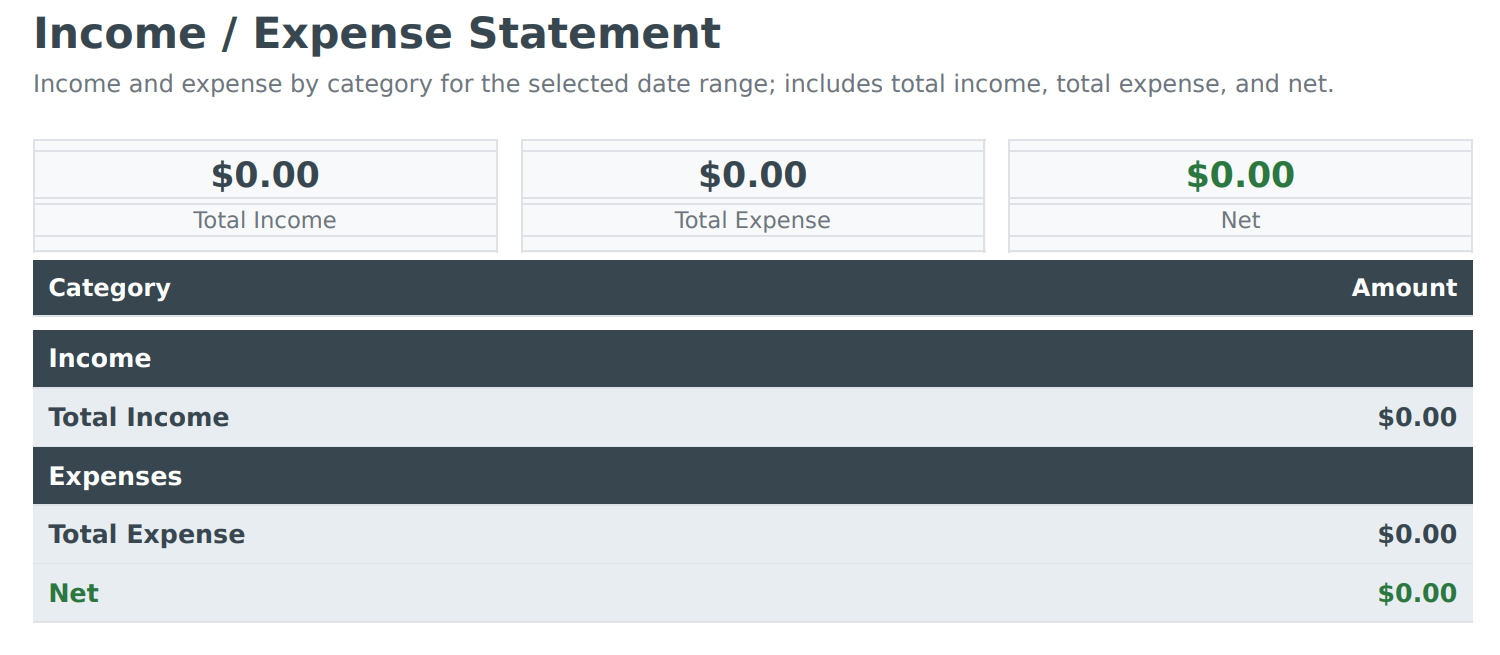
Web screenshot not available — upload Workspace-PointEighteen-3.png to scgstorage03/resources

Mobile screenshot not available — upload Workspace-Mobile-PointEighteen-3.png to scgstorage03/resources

Maintenance summary report (date range, open/closed filter, PDF)

Run maintenance summary: set date range and filter by open/closed. Generate PDF to review ticket volume and resolution.
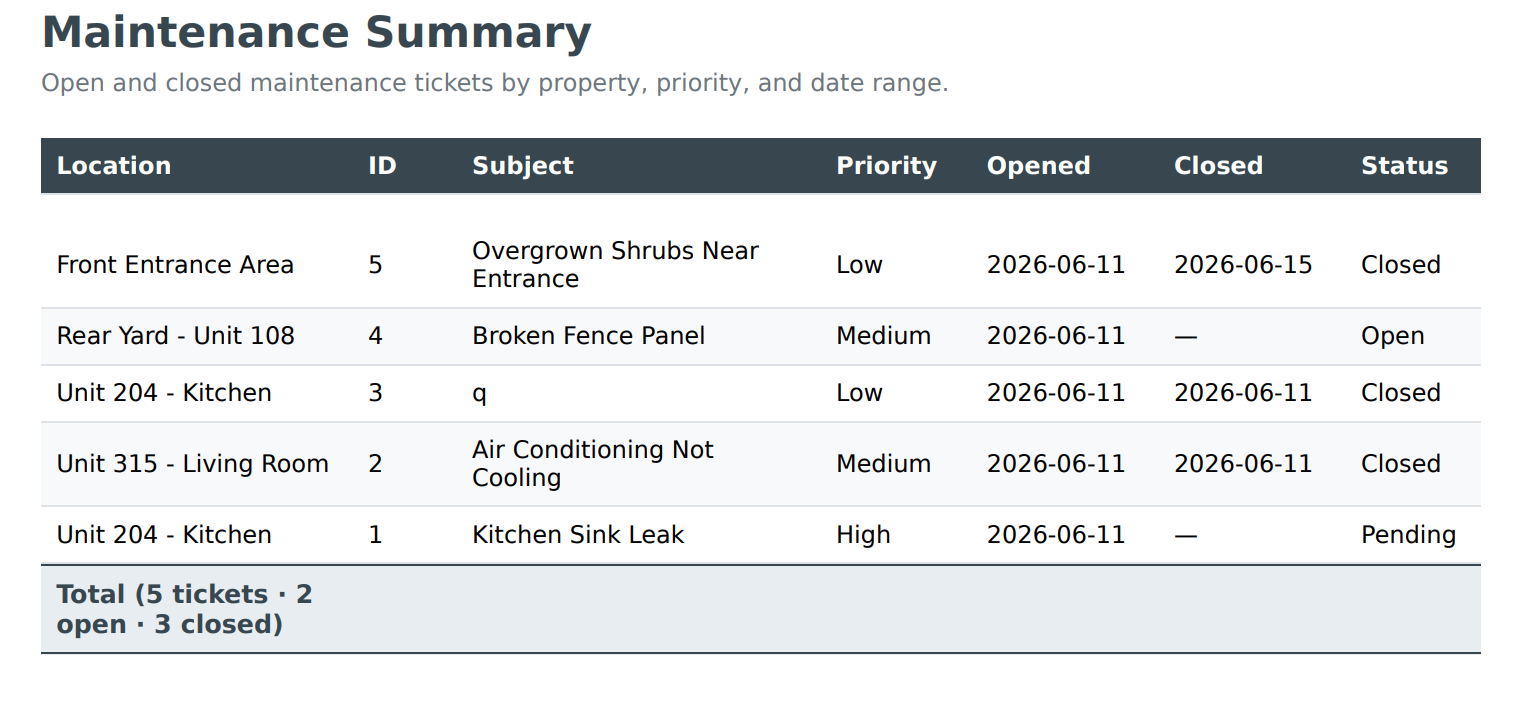
Web screenshot not available — upload Workspace-PointEighteen-4.png to scgstorage03/resources

Mobile screenshot not available — upload Workspace-Mobile-PointEighteen-4.png to scgstorage03/resources

Vacancy report (as-of date, PDF)

Run vacancy report for an as-of date. See vacant units and days vacant. Generate PDF.

Web screenshot not available — upload Workspace-PointEighteen-5.png to scgstorage03/resources

Mobile screenshot not available — upload Workspace-Mobile-PointEighteen-5.png to scgstorage03/resources

Lease expiration report (within days, as-of date, PDF)

Run lease expiration report: set "within days" and as-of date. See leases expiring soon. Generate PDF for renewal planning.
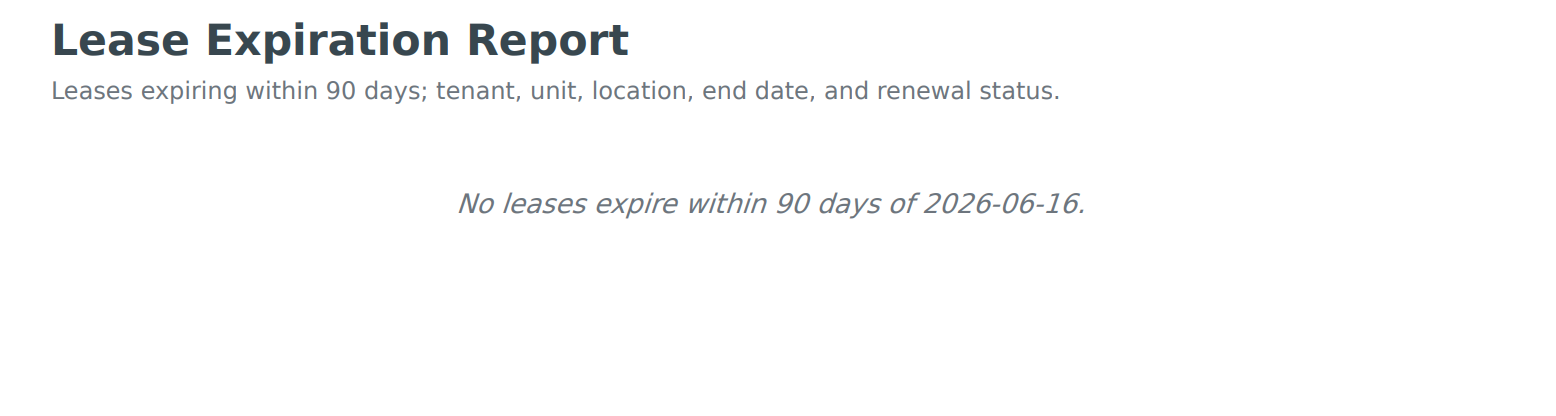
Web screenshot not available — upload Workspace-PointEighteen-6.png to scgstorage03/resources

Mobile screenshot not available — upload Workspace-Mobile-PointEighteen-6.png to scgstorage03/resources

Tenant ledger (tenant, date range, PDF)

Run tenant ledger for a specific tenant and date range. Shows charges, payments, and balance. Generate PDF for the tenant or for records.
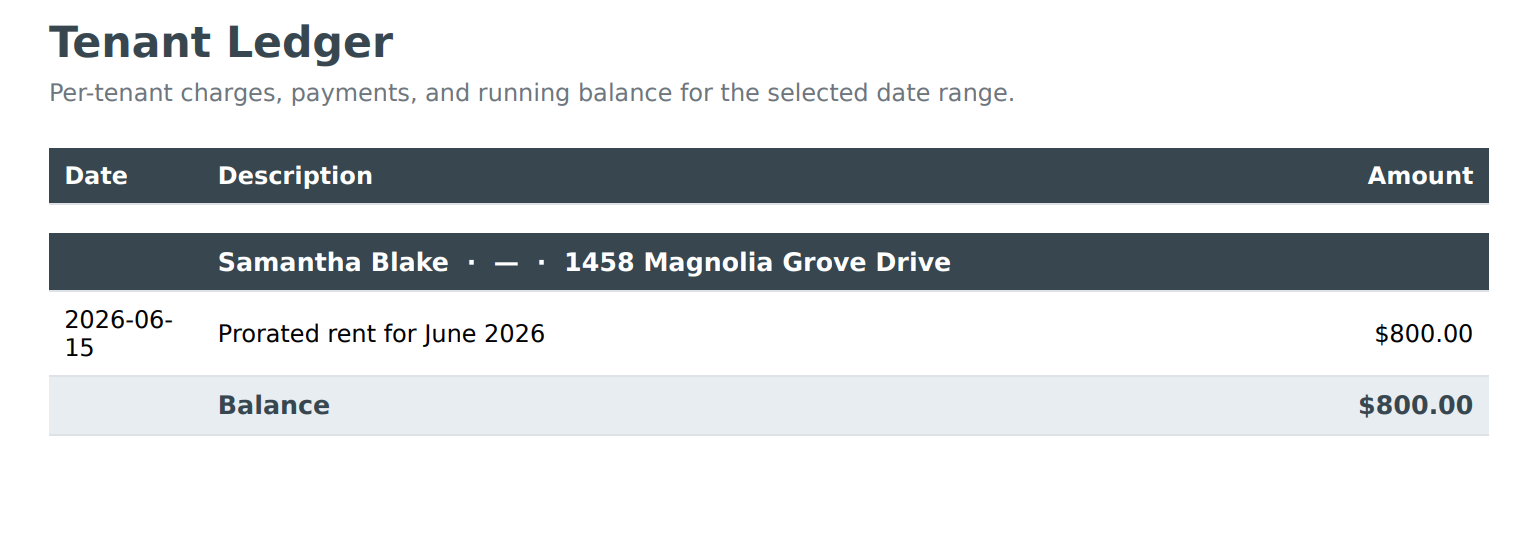
Web screenshot not available — upload Workspace-PointEighteen-7.png to scgstorage03/resources

Mobile screenshot not available — upload Workspace-Mobile-PointEighteen-7.png to scgstorage03/resources

Late rent report (as-of date, PDF)

Run late rent report for an as-of date. See tenants with past-due rent and unpaid late fees, with amounts and days late. Generate PDF for follow-up or owner reporting.
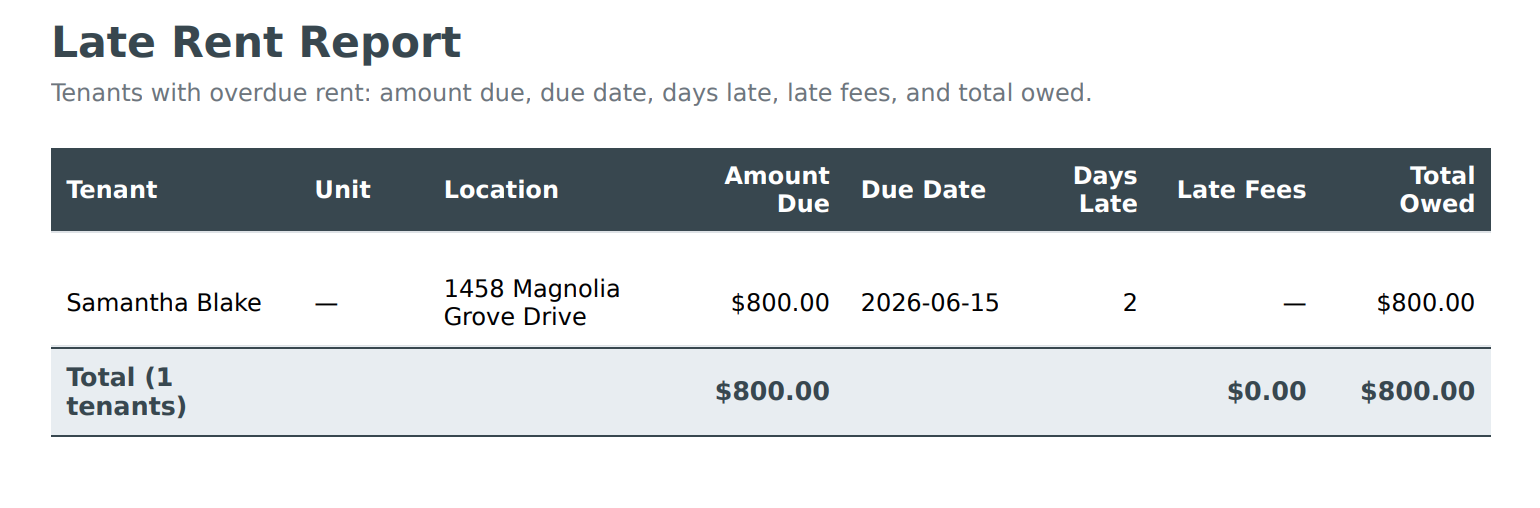
Web screenshot not available — upload Workspace-PointEighteen-8.png to scgstorage03/resources

Mobile screenshot not available — upload Workspace-Mobile-PointEighteen-8.png to scgstorage03/resources

Schedule E and 1099 (tax year, PDF)

Run Schedule E and 1099 reports for a tax year. Generate PDF for tax preparation or accountant. Verify data before filing.
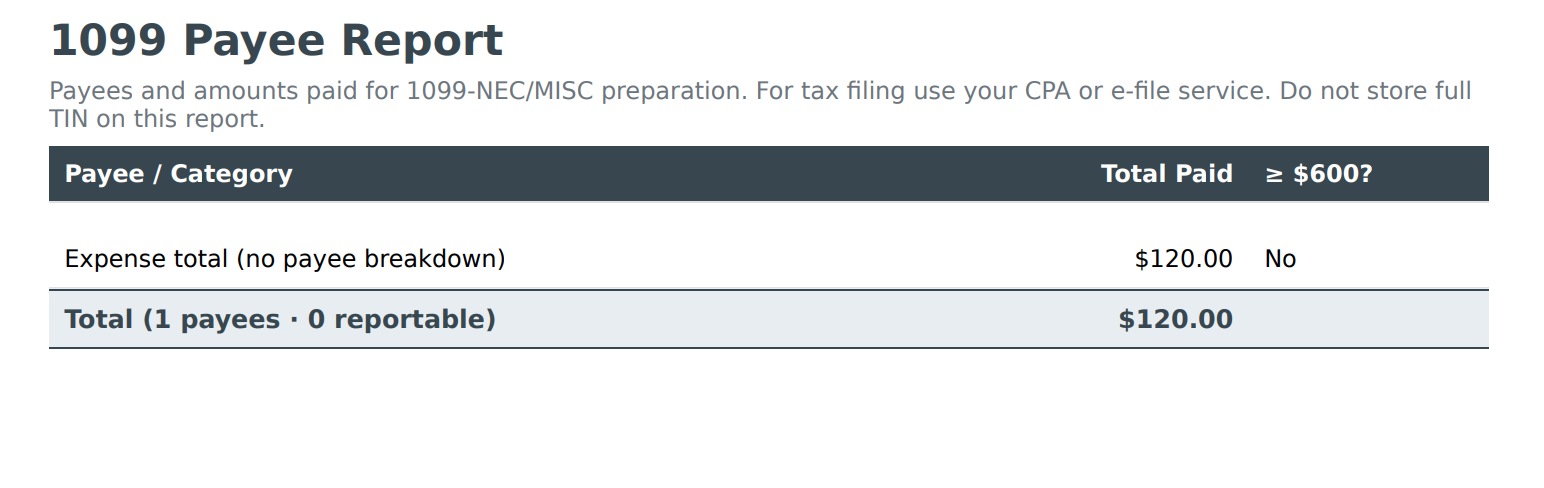
Web screenshot not available — upload Workspace-PointEighteen-9.png to scgstorage03/resources

Mobile screenshot not available — upload Workspace-Mobile-PointEighteen-9.png to scgstorage03/resources

Year-end summary (tax year, PDF)

Run year-end summary for a tax year. High-level income, expense, and summary. Generate PDF for records or owner.
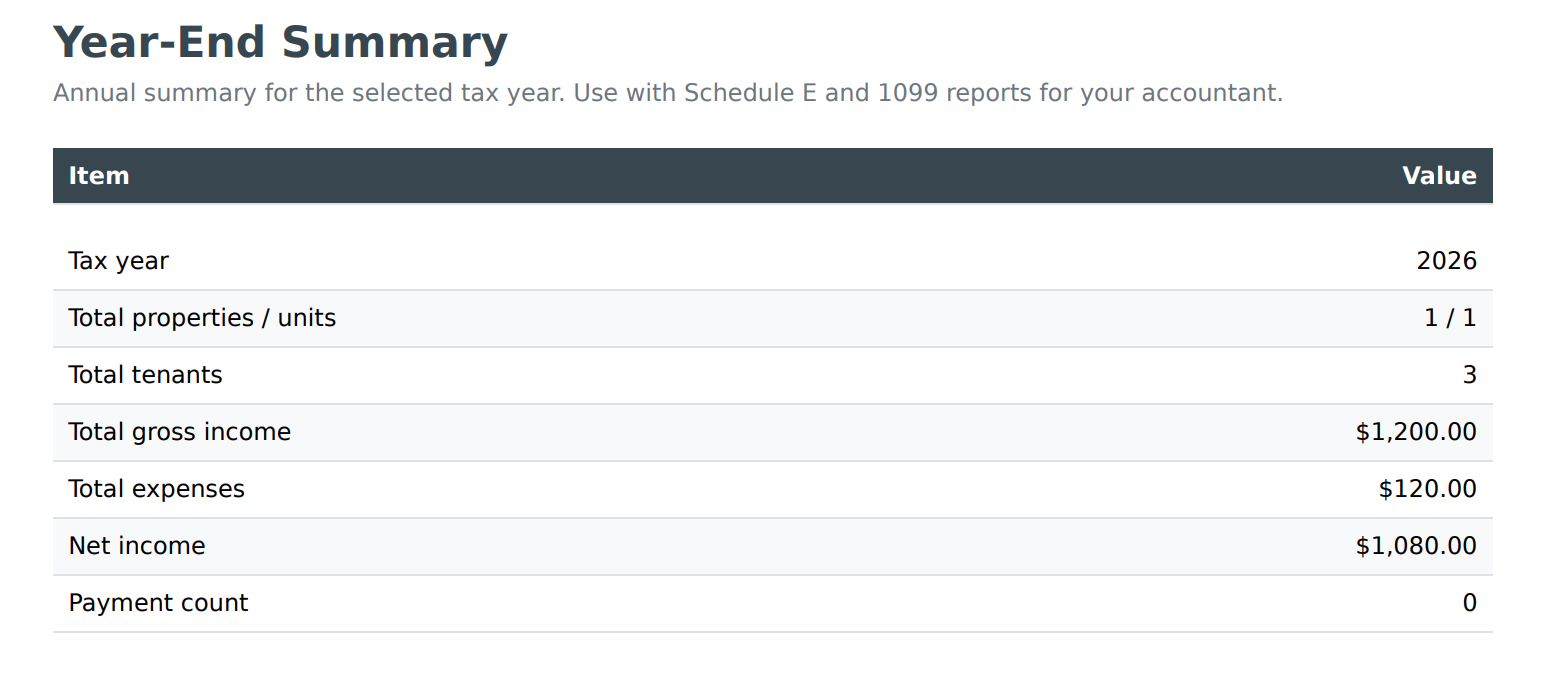
Web screenshot not available — upload Workspace-PointEighteen-10.png to scgstorage03/resources

Mobile screenshot not available — upload Workspace-Mobile-PointEighteen-10.png to scgstorage03/resources

Rehab profit report (if applicable)

If you track rehab or project costs, run the rehab profit report. See costs vs. value or sale for rehab projects. Generate PDF.
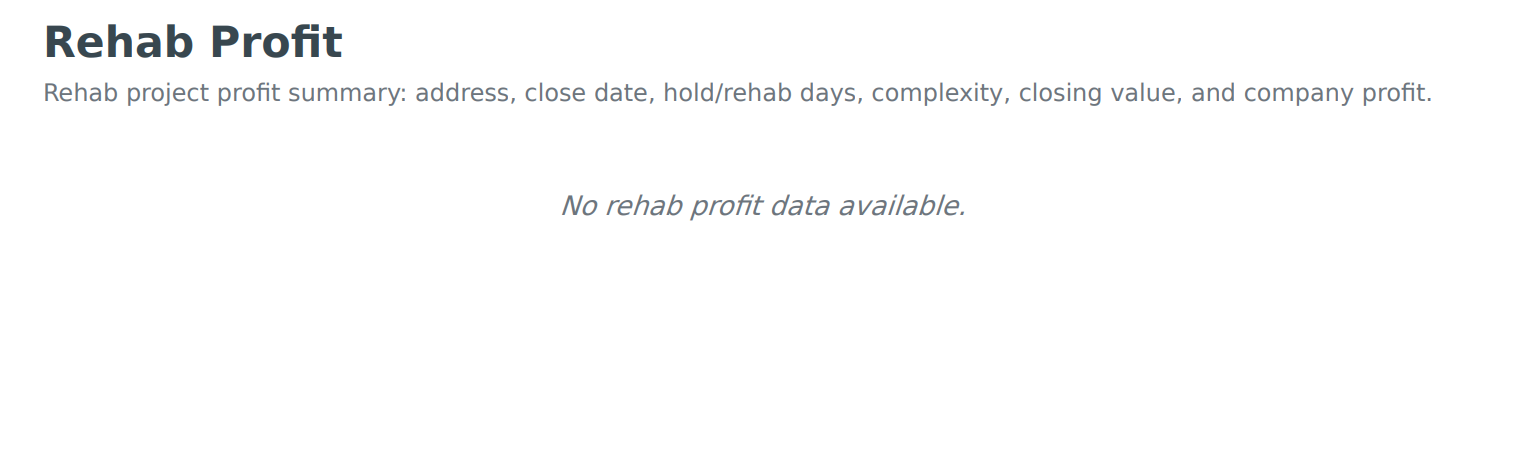
Web screenshot not available — upload Workspace-PointEighteen-11.png to scgstorage03/resources

Mobile screenshot not available — upload Workspace-Mobile-PointEighteen-11.png to scgstorage03/resources

Download reports (batch or category)

Download one or more reports (batch or by category). Choose format (PDF, Excel) and save for distribution or filing.
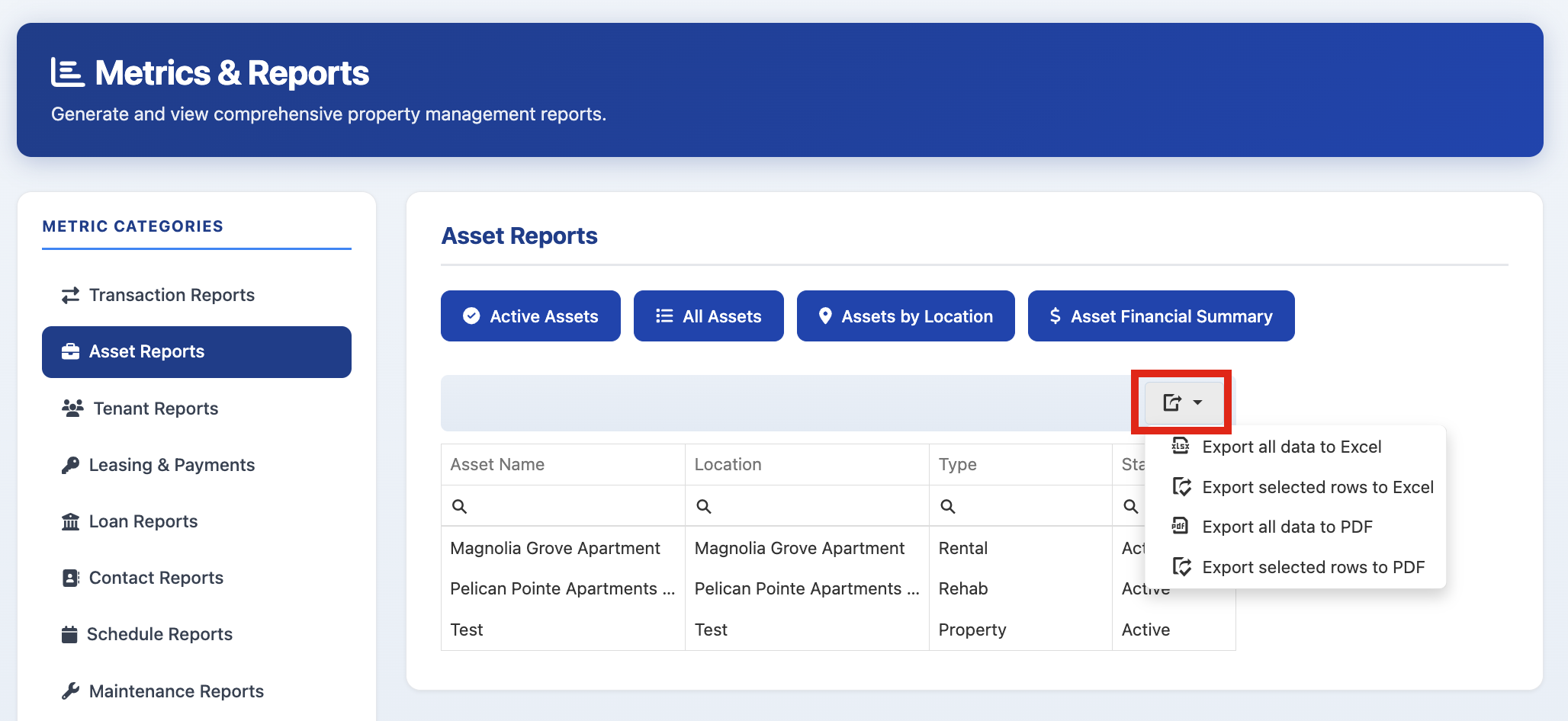
Web screenshot not available — upload Workspace-PointEighteen-12.png to scgstorage03/resources

Mobile screenshot not available — upload Workspace-Mobile-PointEighteen-12.png to scgstorage03/resources