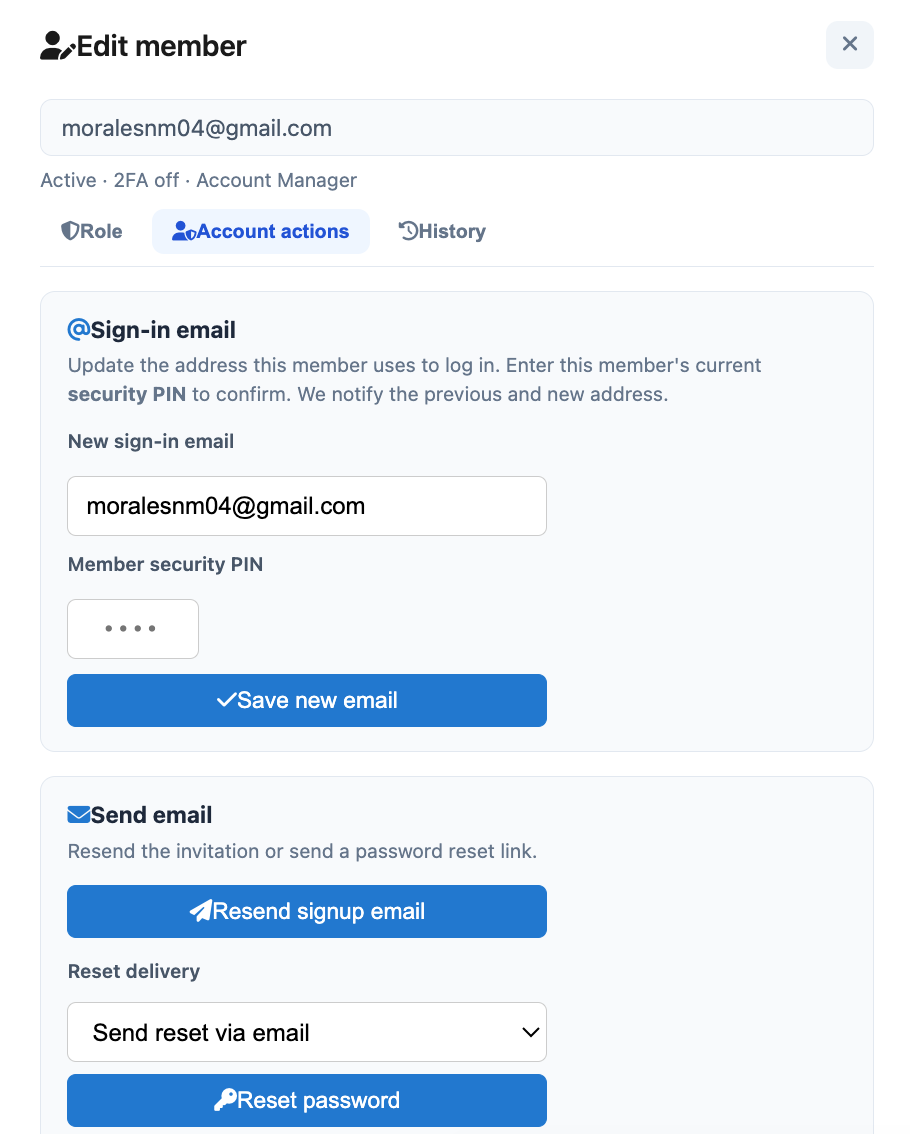
Team Users
Manage who can access the management portal for your organization (Account Managers, Managers, and Property Managers).
Showing Web screenshots
Switch between web app and mobile app screenshots. Step text is the same; mobile images can be uploaded separately.
Opening the Team page
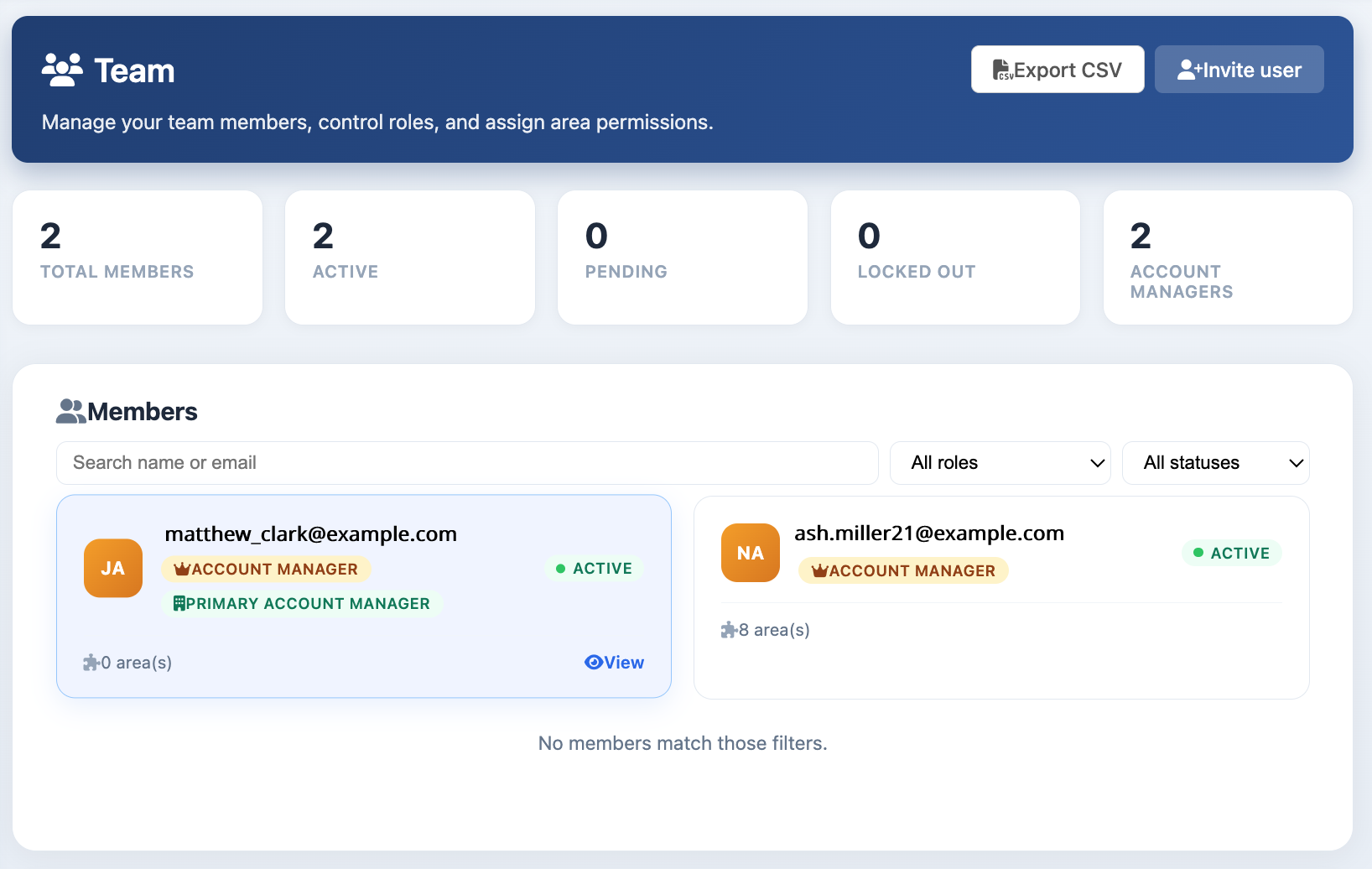
Only users with the Account Manager role can access the Team page. To open it, click Users in the Account Portal sidebar.
The Team page displays team member statistics, user cards, portfolio assignments, role activity, and organization security settings (including two-factor authentication).

Inviting a new team member
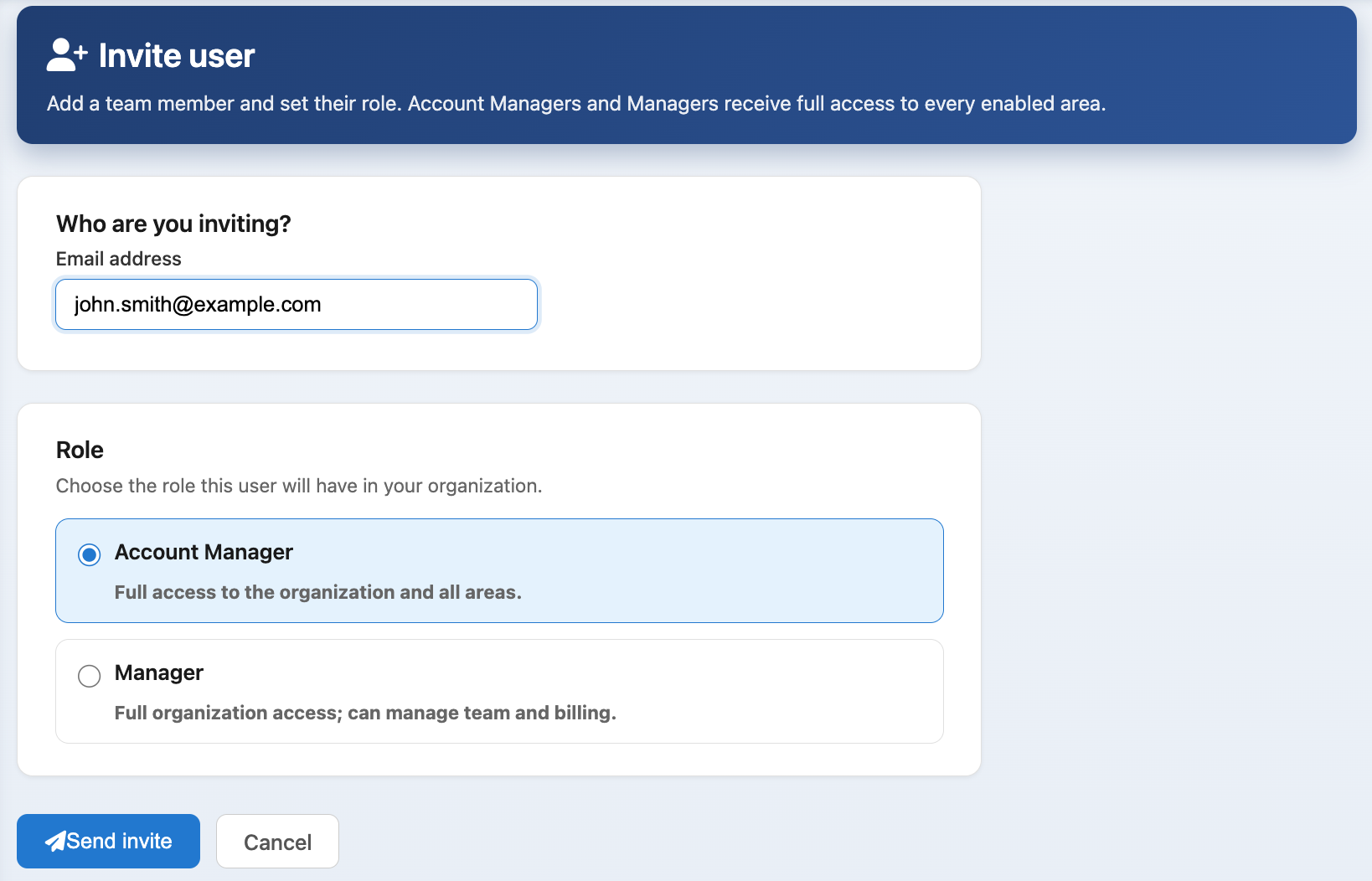
- Click Invite User.
- Enter the user’s email address.
- Select a role: Account Manager, Manager, or Property Manager.
- If assigning a Property Manager, configure permissions and assign properties, rentals, or portfolios as needed.
- Click Send Invite.

Pending status
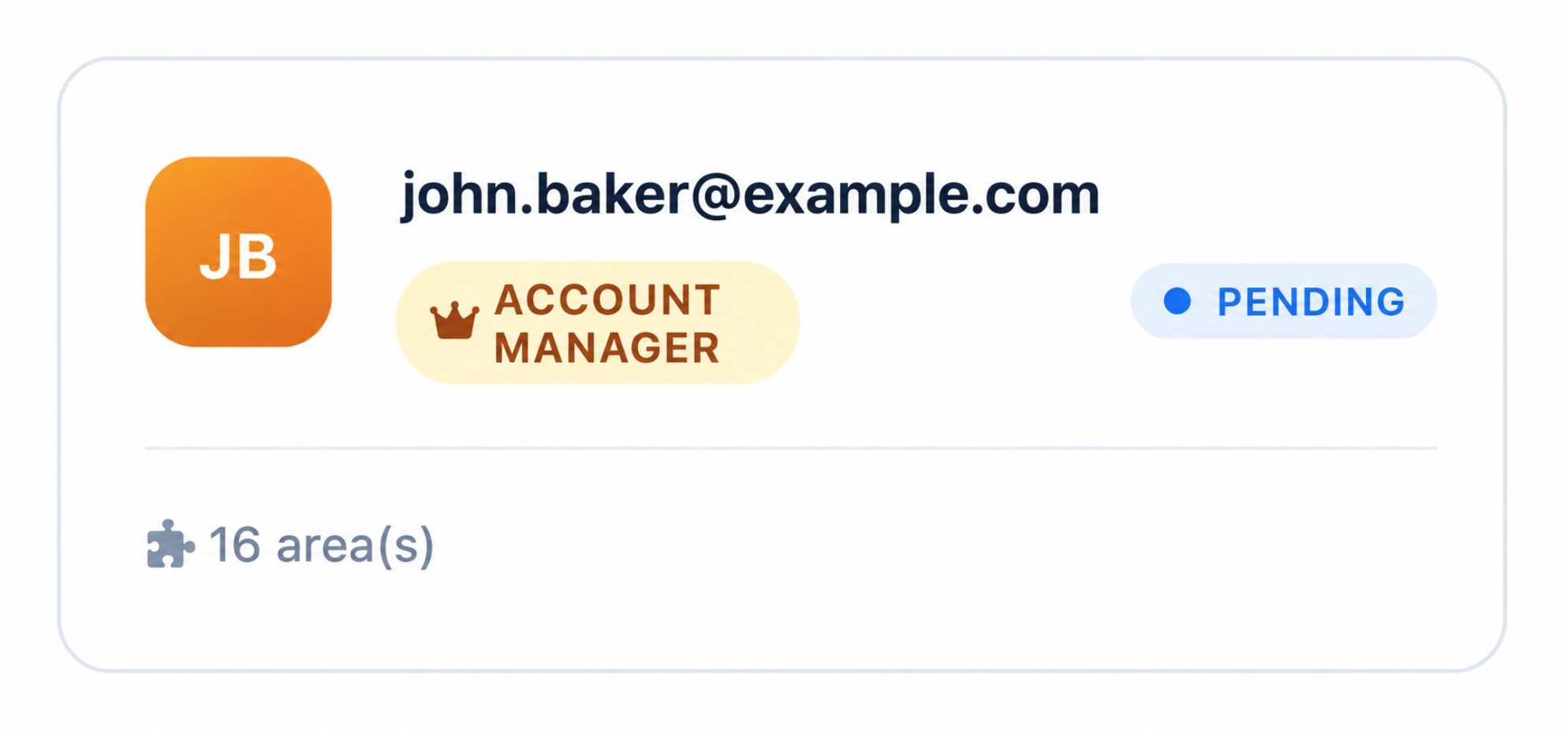
Until the invitee confirms their email and signs in, their card shows Pending on the Team page.

Export
Use Export CSV to download the roster.
Filter by role or status (Active, Pending, Disabled, Locked out) and search by email.