Features
Subscription status, plan comparison, storage usage, and links to billing and configuration.
Showing Web screenshots
Switch between web app and mobile app screenshots. Step text is the same; mobile images can be uploaded separately.
Opening Features and understanding the layout
- Sign in to the Account Portal.
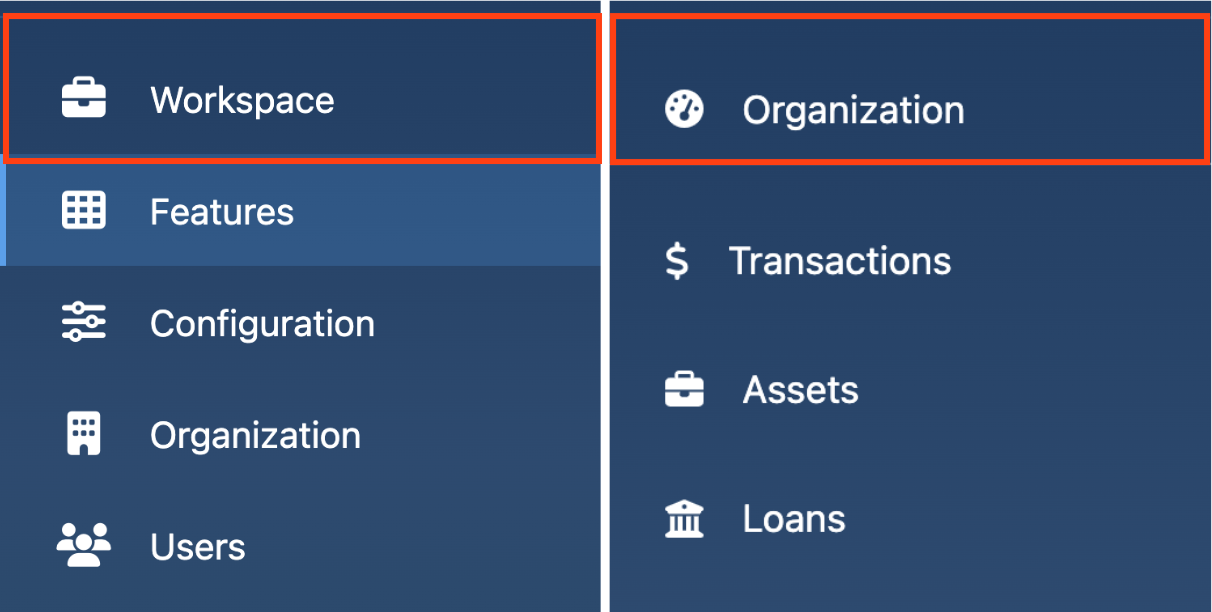
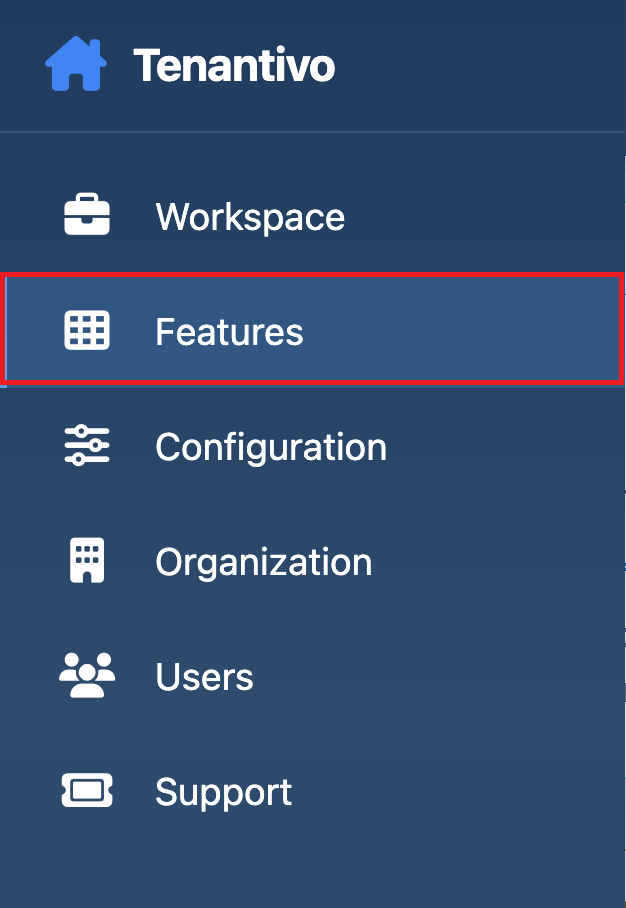
- Review the available sections:
- Workspace: Opens the Management application.
- Features: Displays subscription and plan information.
- Configuration: Contains integration keys and payment settings.
- Organization: Manages business information and billing contacts (Account Managers only).
- Users: Manages team members and permissions (Account Managers only).
- Support: Opens support and ticketing resources.
What you see on Features: Subscription status, storage usage, enabled modules, plan comparison tables, and a link to manage billing.

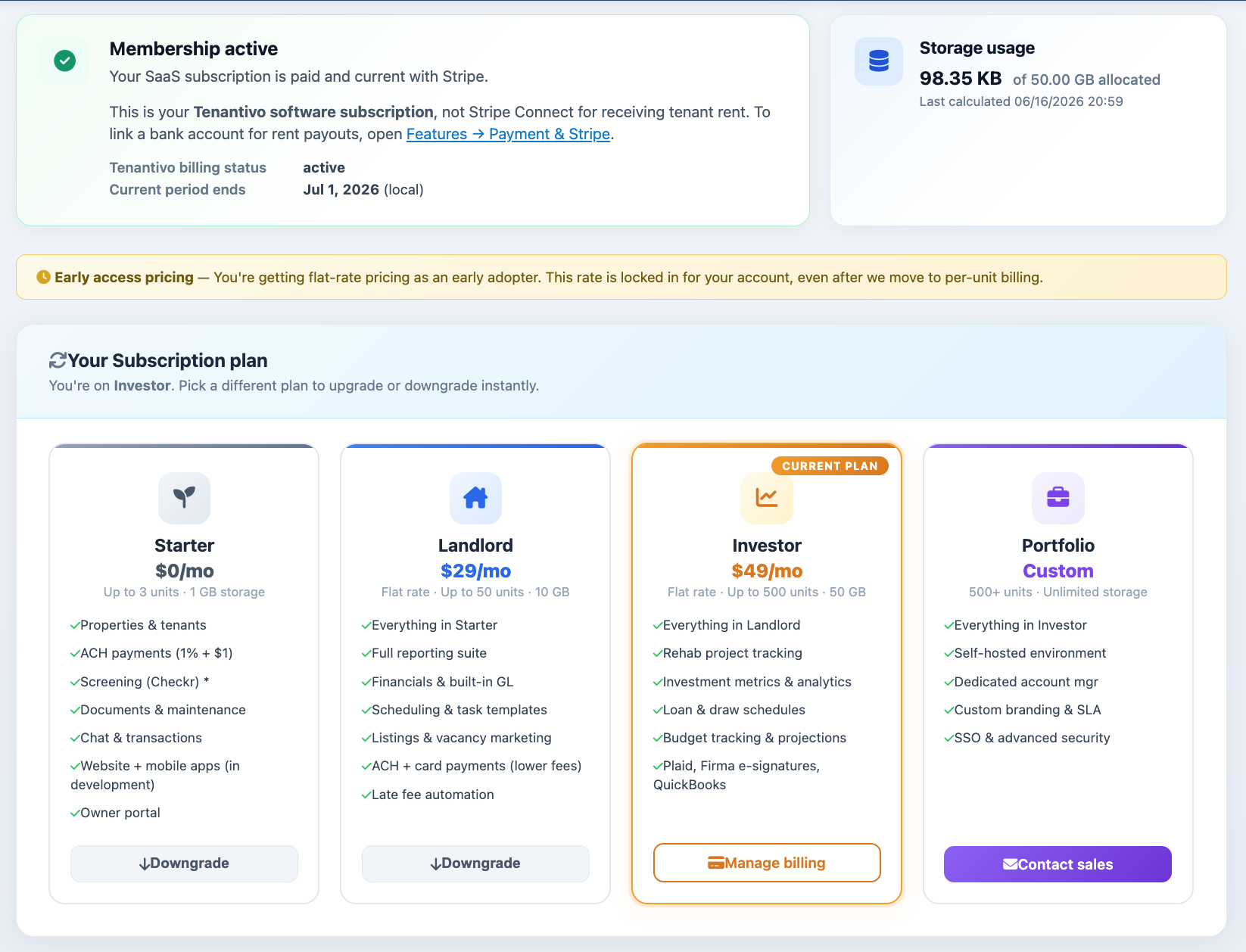
Subscription status and storage usage
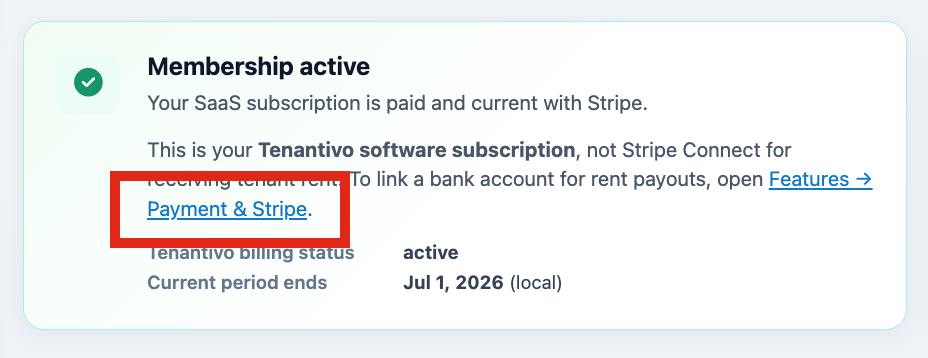
At the top of the Features page, you’ll find information about your current subscription, including plan tier, status, renewal date, and storage usage. Use this section to verify that your subscription is active and monitor available storage space.

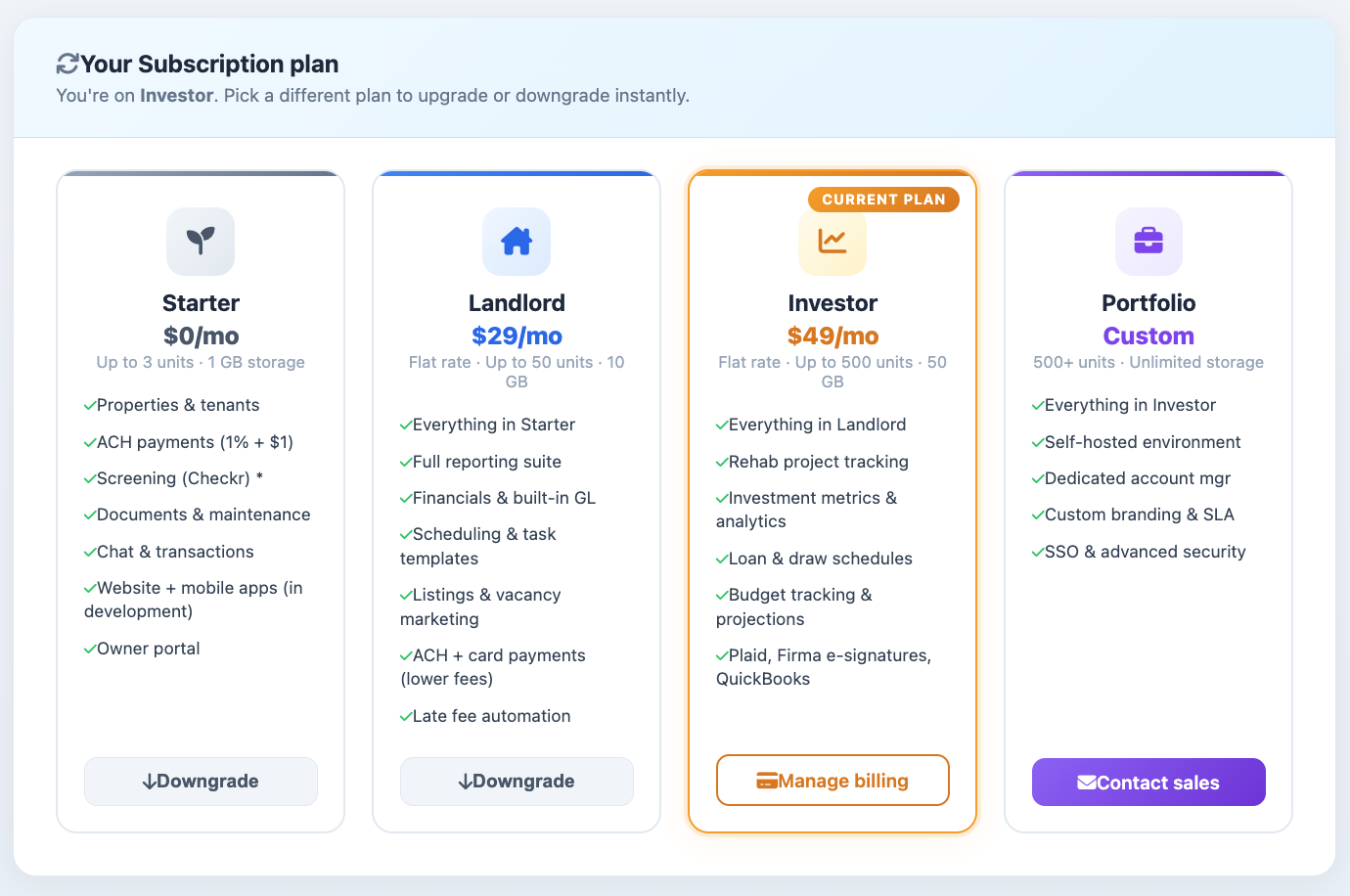
Enabled modules and plan comparison
The Features page displays the modules included in your current plan and provides a comparison of available plan tiers. Review this section to confirm that a feature or integration is included before attempting to enable or configure it.

Quick links: billing, configuration, and team
- Sign in to the Account Portal.
- Click Features.
- Select Manage Plan & Billing to open the billing portal.
- Select Configuration from the sidebar to manage integrations and payment settings.
- Select Organization to manage business information and billing contacts.
- Select Users to invite or manage team members.

Switching to the management workspace
- Sign in to the Account Portal.
- Click Workspace in the left sidebar.
- Access the Management application for properties, tenants, leases, and daily operations.
- Return to the Account Portal when you need to manage subscriptions, configuration, or users.