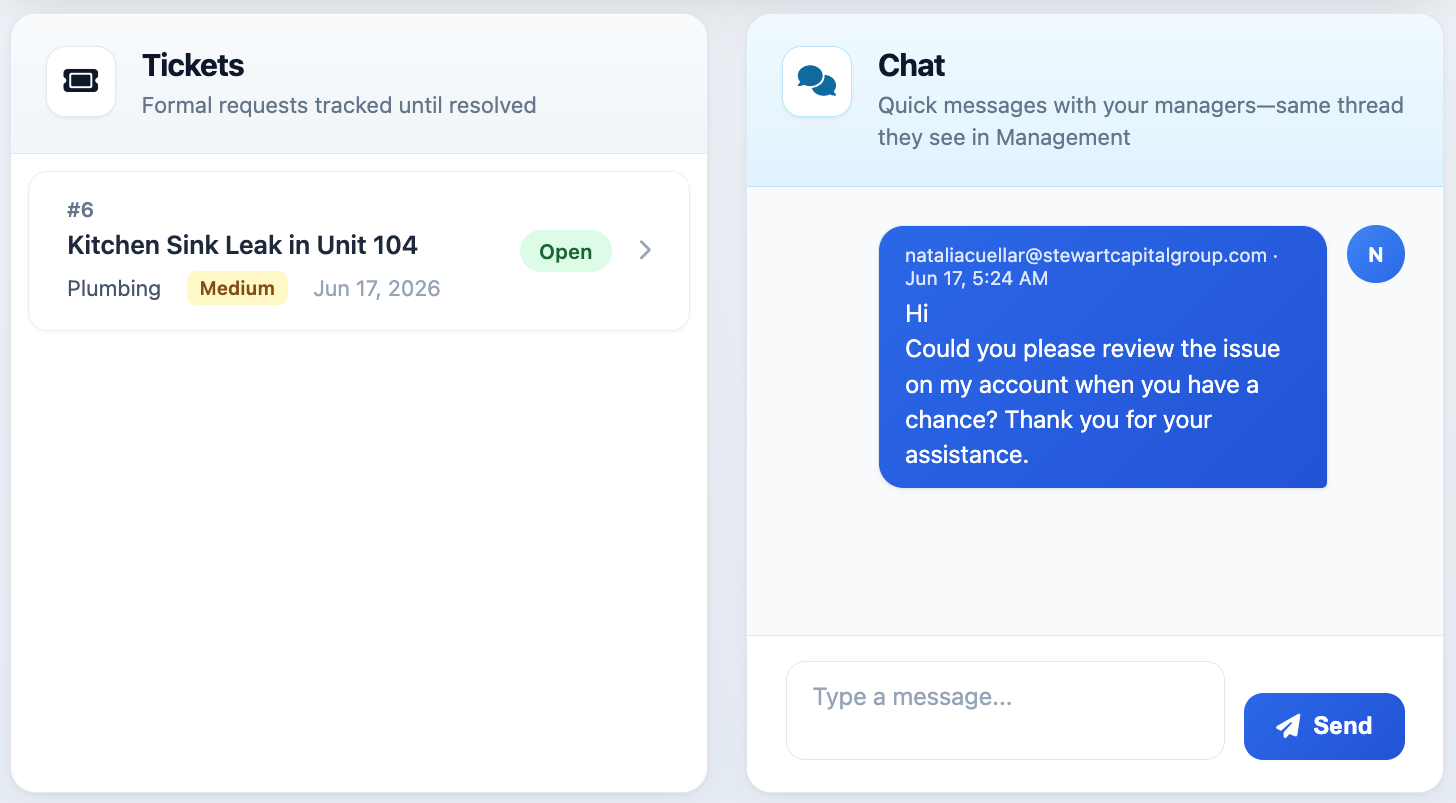
Chat
Communicate with support or your management team via chat.
Showing Web screenshots
Switch between web app and mobile app screenshots. Step text is the same; mobile images can be uploaded separately.
Opening Support chat
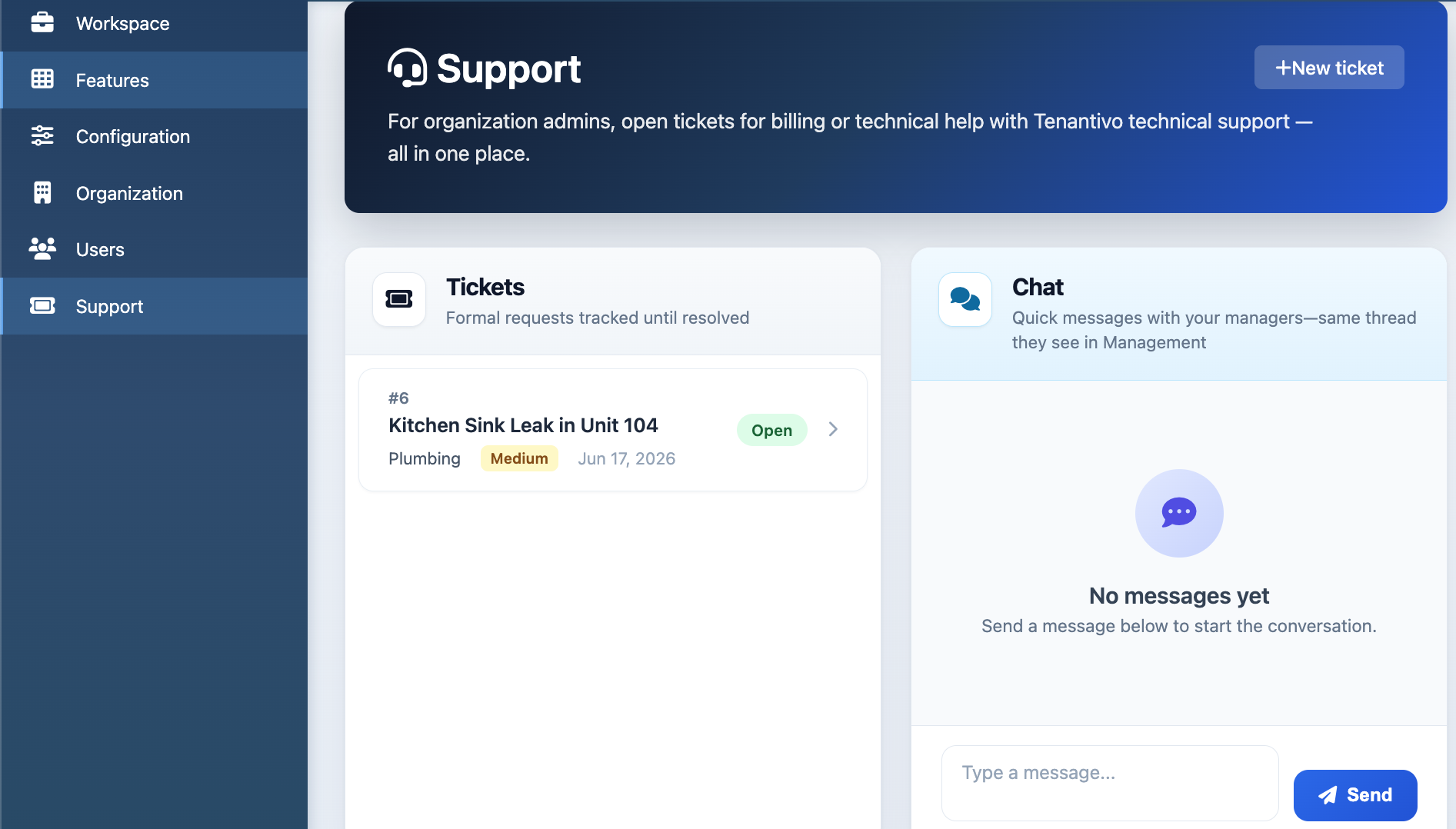
From the Account Portal sidebar, open Support to view the Chat section. You can also open Chat directly. Depending on your account, you may see a single conversation or multiple chat threads.
Chat is best for quick questions and real-time communication. For issues that require tracking, use a Support ticket instead.

Viewing chat history and threads
- Open the Chat section.
- Select a conversation or thread.
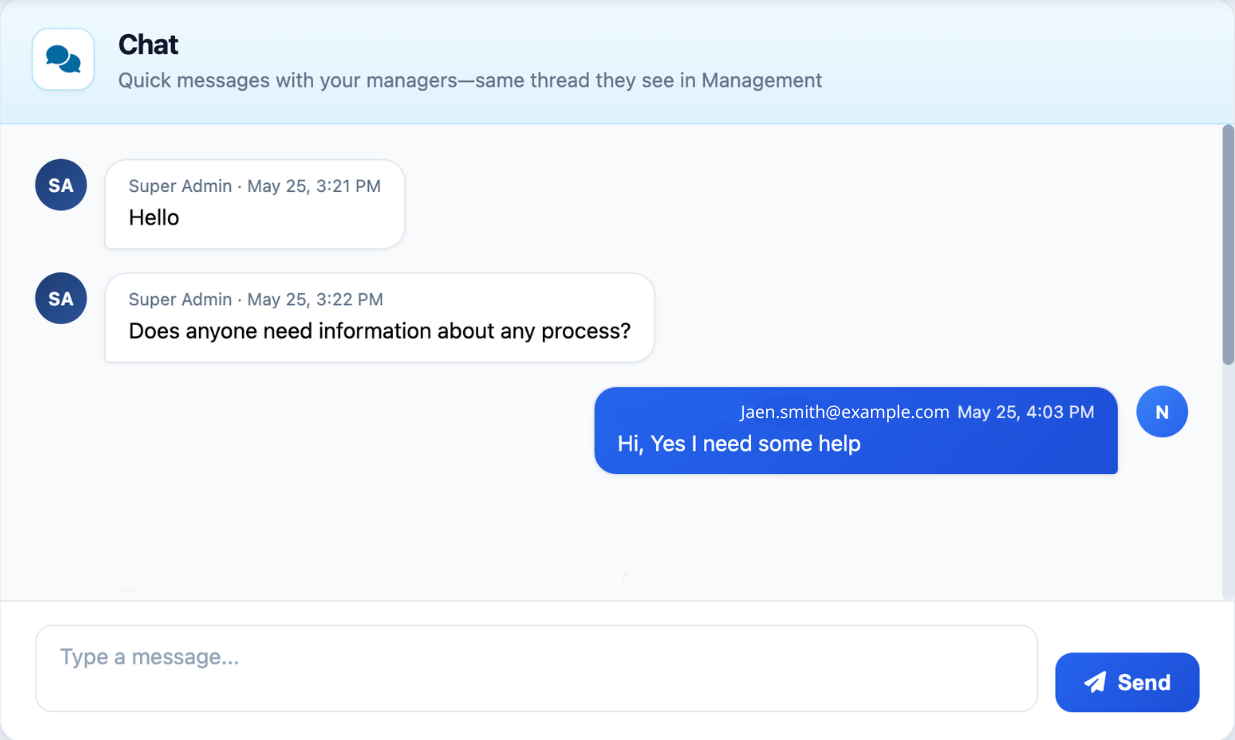
- Review the messages displayed in the conversation.
- Scroll through the thread to view previous messages and conversation history.

Sending a message
- Open the Chat section.
- Select the conversation you want to update if you have multiple.
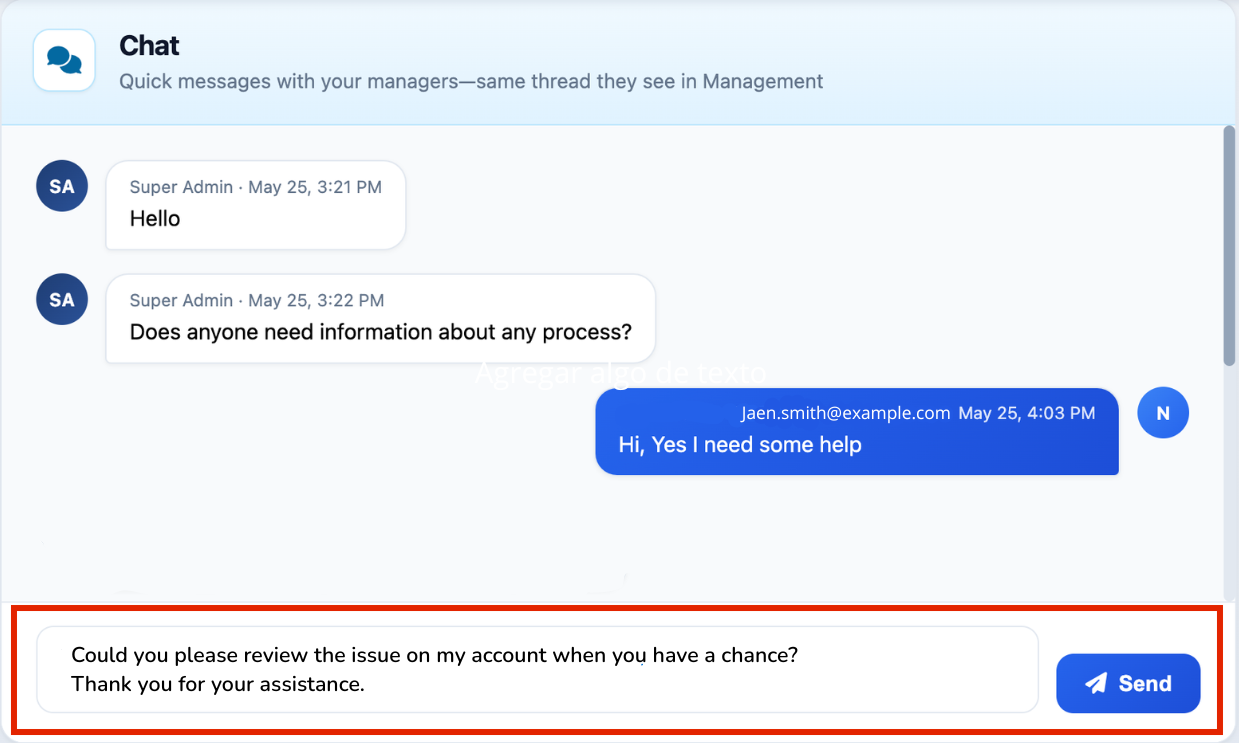
- Enter your message in the text field.
- Click Send.
Tip: Use clear and concise messages to help keep conversations organized.

Notifications and unread indicators
Unread messages may be indicated by a notification badge or highlighted conversation. Opening the conversation will typically clear the unread indicator.
If notification settings are available, you can manage email and in-app notifications from your account settings or notification preferences.
When to use Chat vs Support tickets
Chat is best for quick questions, clarifications, and ongoing conversations that require a fast response.
Support tickets are recommended for technical issues, billing questions, account changes, or any request that requires formal tracking and a complete history of communication.
If a chat conversation develops into a larger issue, you may be asked to create a Support ticket so the request can be properly tracked and managed.