Billing
Manage your subscription, billing contact, invoices, and payment method.
Showing Web screenshots
Switch between web app and mobile app screenshots. Step text is the same; mobile images can be uploaded separately.
Viewing current subscription and plan
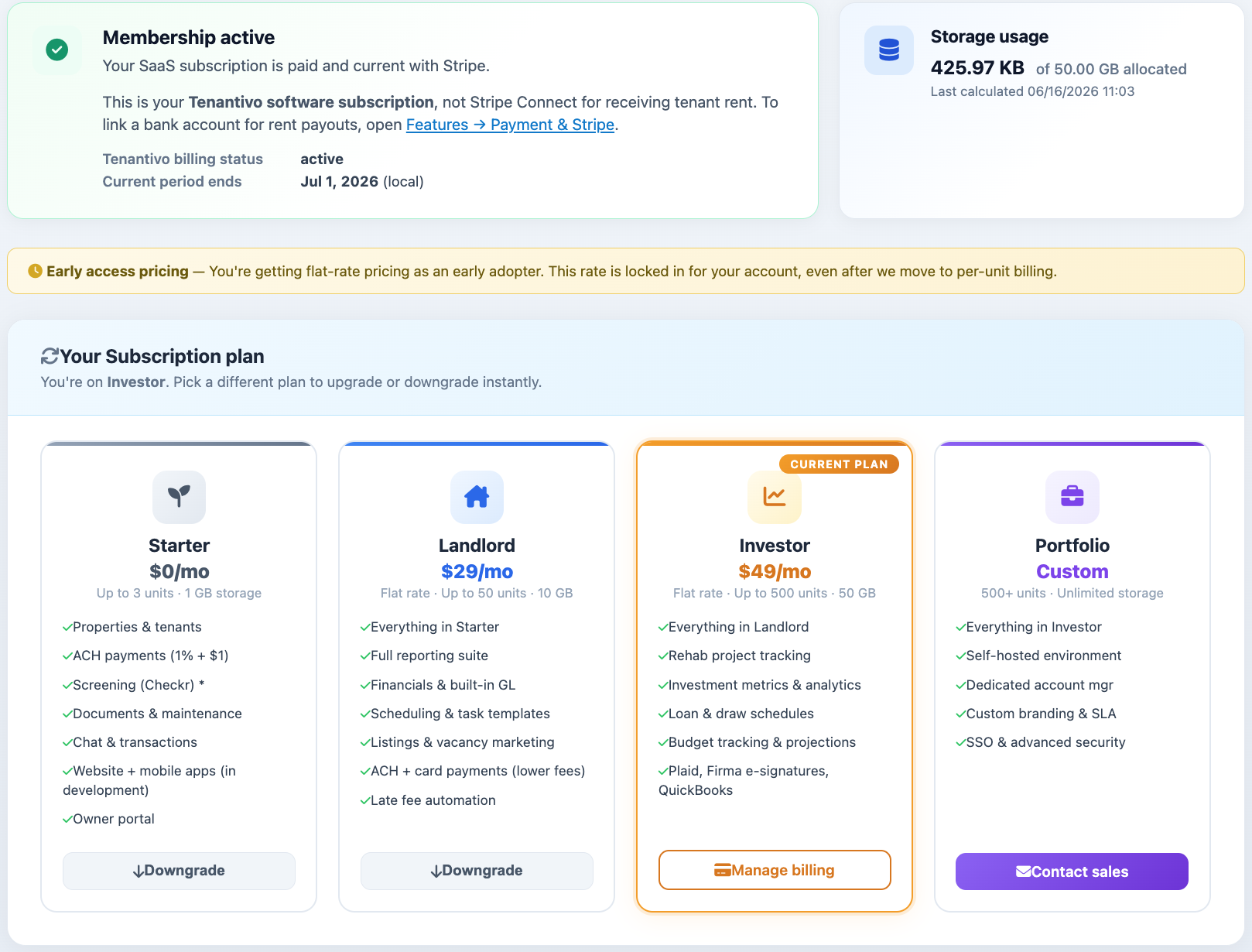
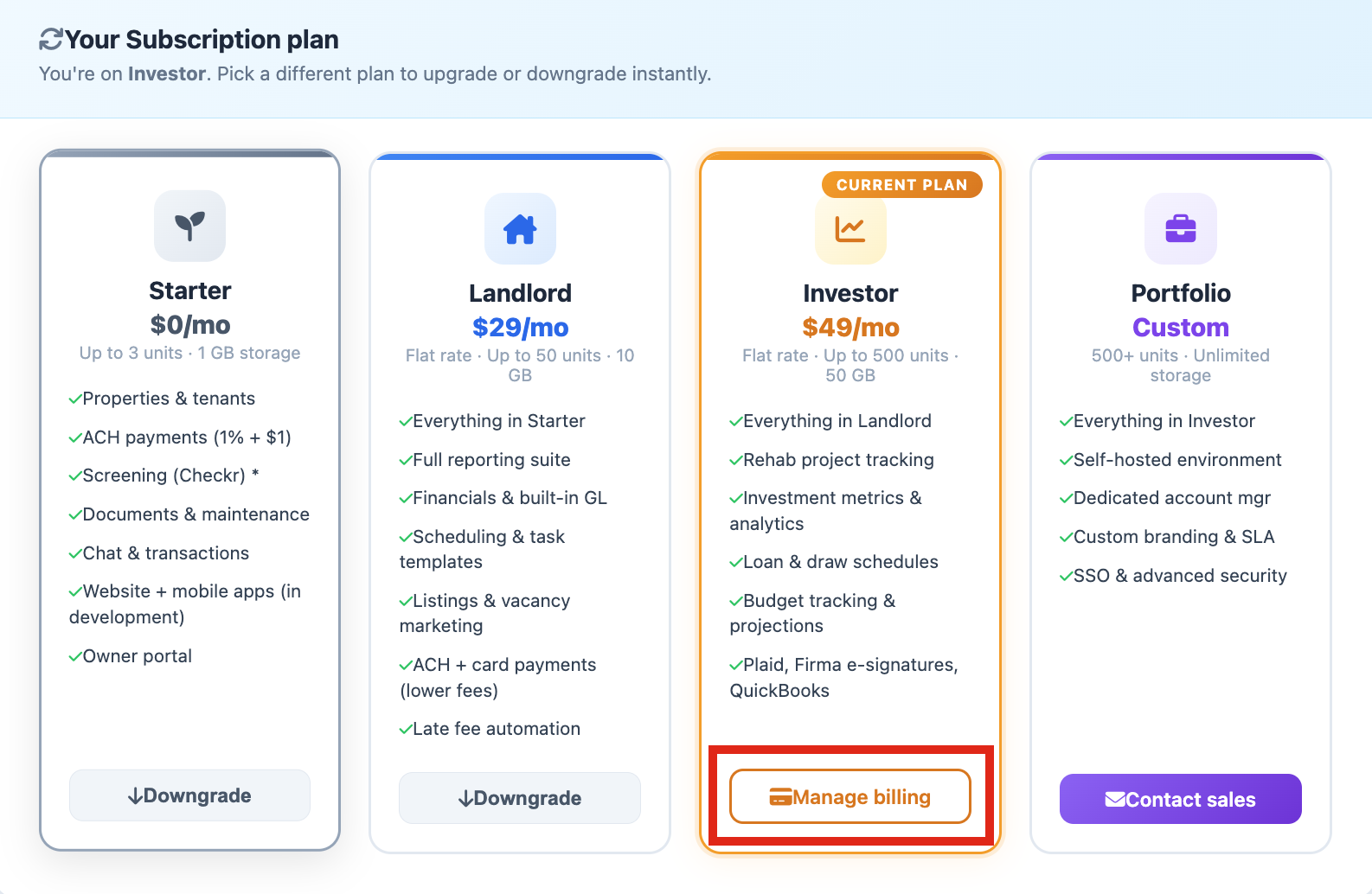
View your current subscription details from Features or Organization. This section displays your plan tier, subscription status, renewal or period-end date, storage usage, and included modules. The Features page also provides plan comparison tables to help you compare available plans and features.

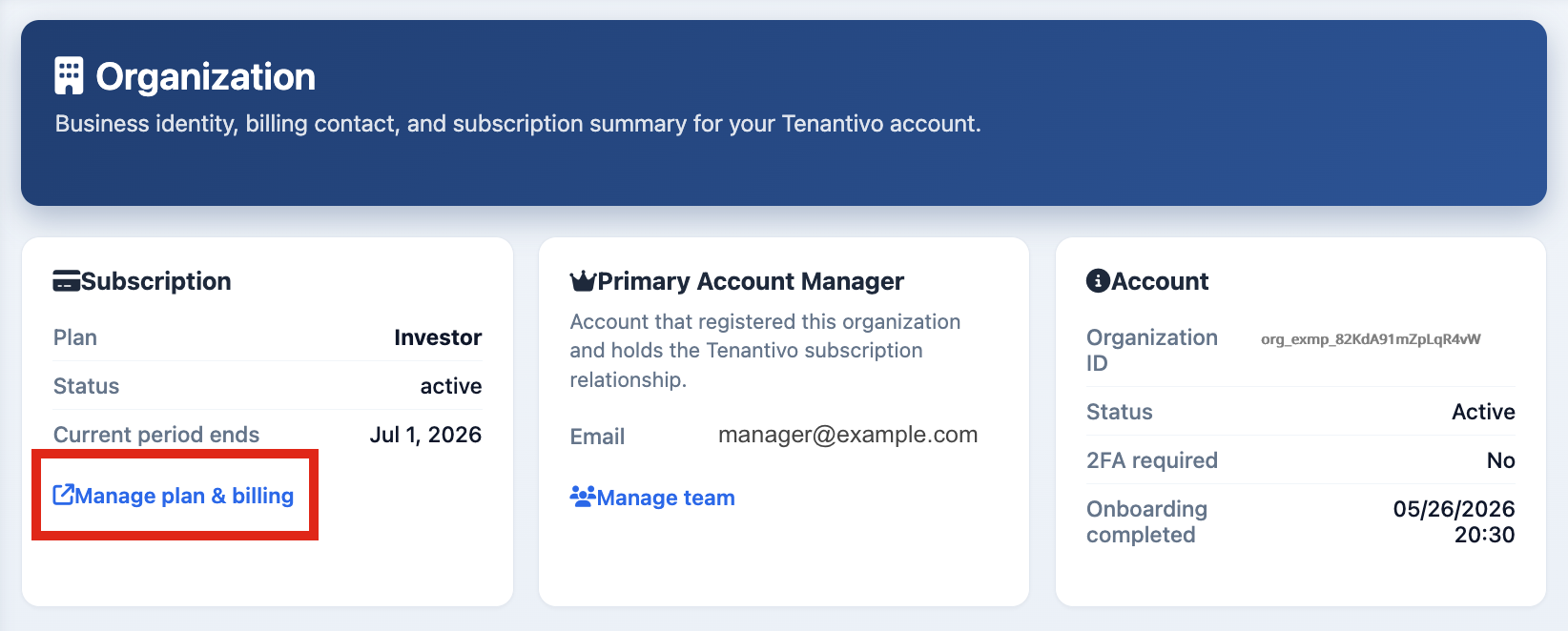
Manage plan & billing (Stripe portal)
- Open Features or Organization.
- Click Manage Plan & Billing.
- The Stripe Customer Portal will open.
- Use the portal to manage your subscription, payment methods, invoices, or plan changes.
- Return to Tenantivo when you are finished.

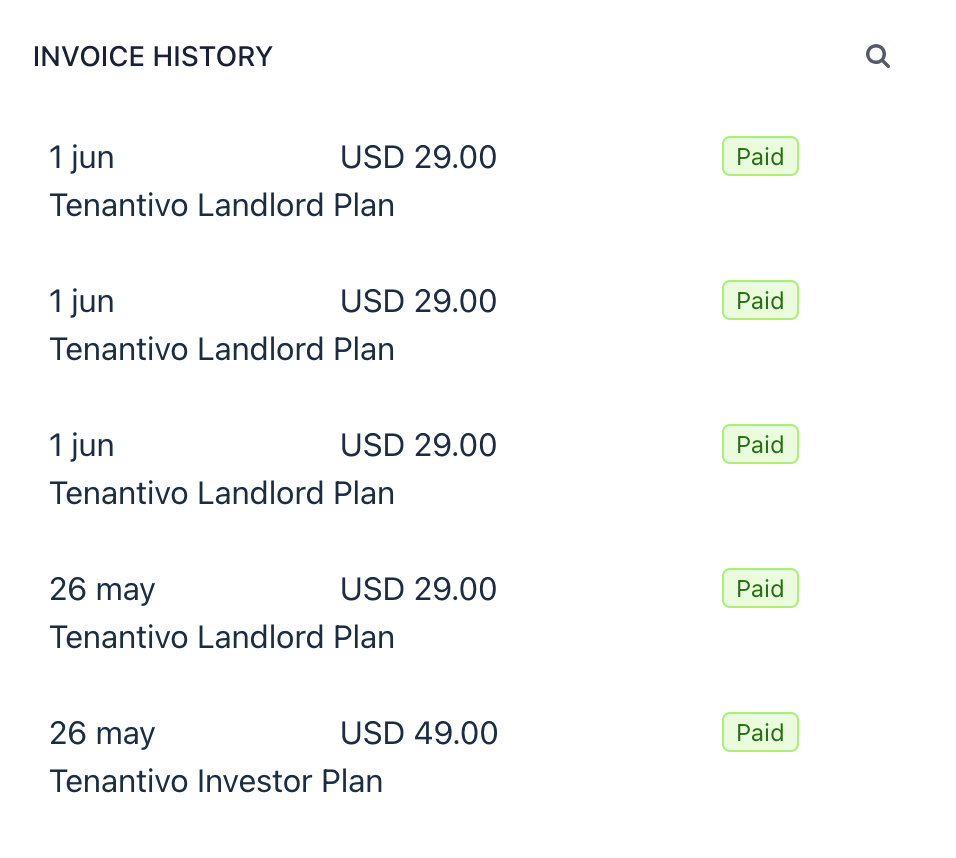
Billing history and invoices
- Open Features or Organization.
- Click Manage Plan & Billing.
- In the Stripe Customer Portal, locate the Invoice history section.
- Select an invoice to view its details and download or print it.

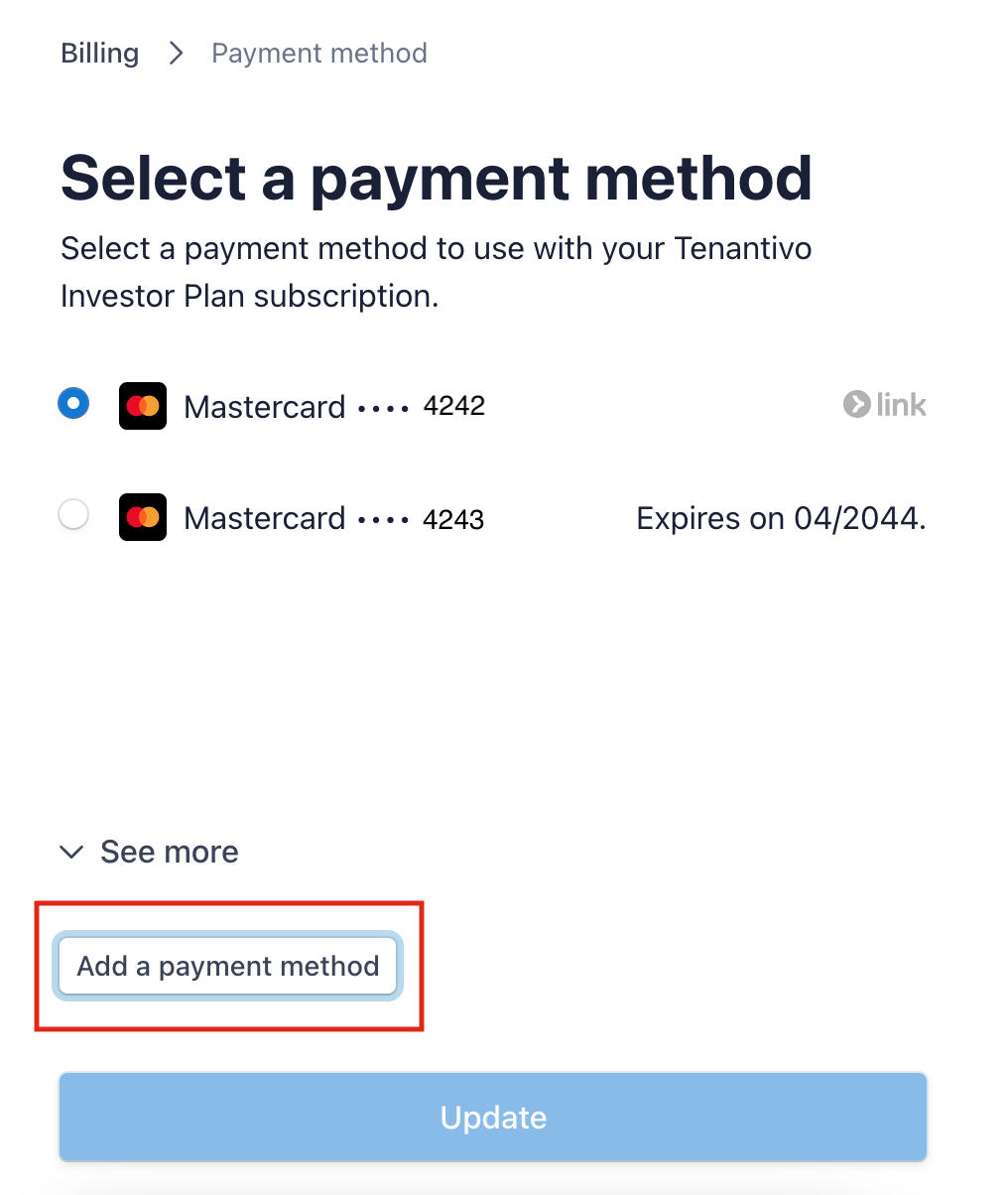
Updating payment method
- Open Manage Plan & Billing.
- In the Stripe Customer Portal, select Payment Method.
- Enter the new payment information.
- Save your changes.
The updated payment method will be used for future subscription charges. Note: This is separate from tenant rent payments configured under Configuration → Payment & Stripe.

Changing plan or upgrading/downgrading
- Review the available plans from the Features page.
- Click Manage Plan & Billing.
- Select the option to upgrade or downgrade your subscription.
- Review the plan details, pricing, and effective date.
- Confirm the change.
- Return to Features to verify the updated plan information.

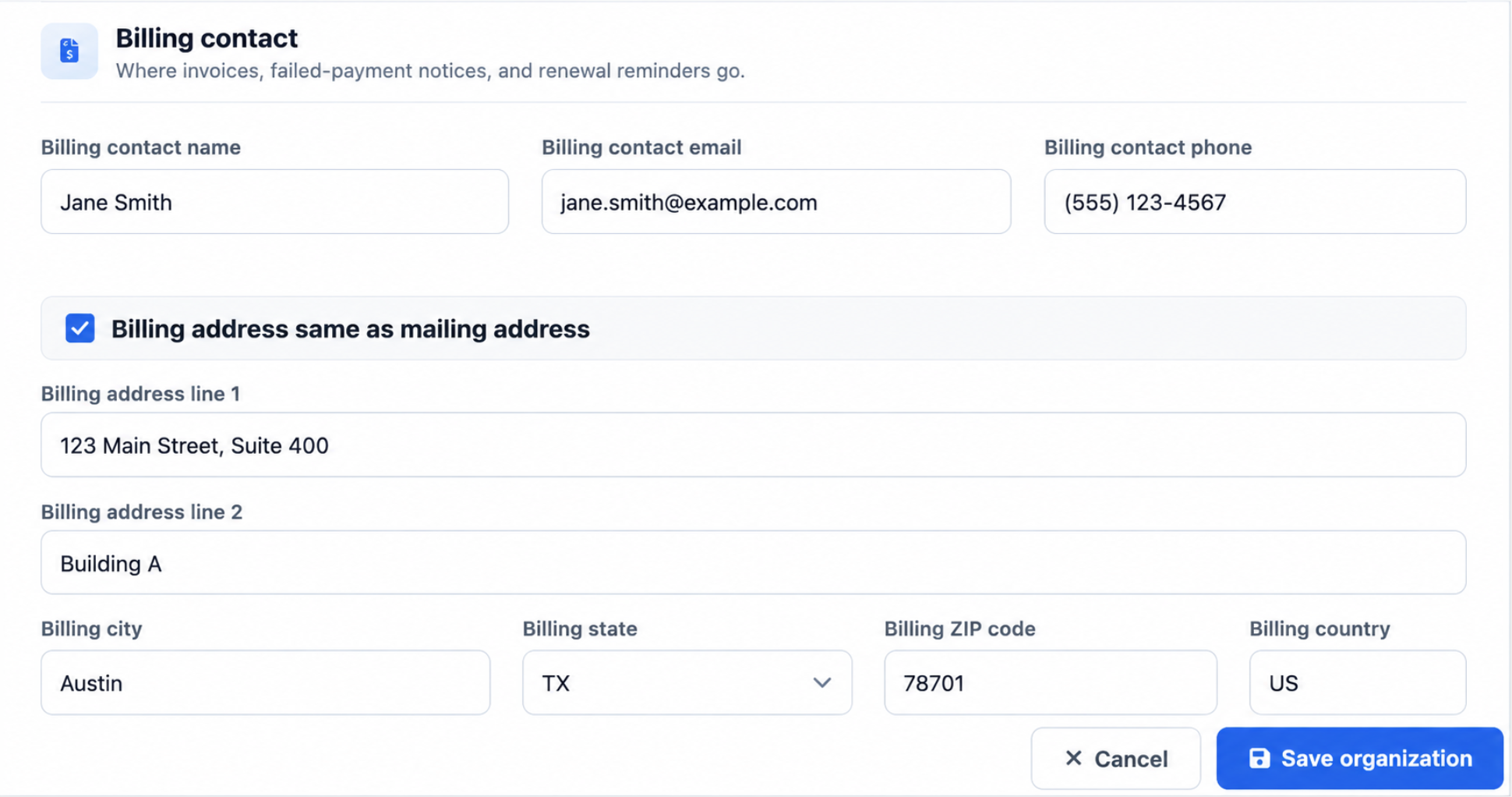
Billing contact and organization details
- Open Organization from the sidebar.
- Update your business name, address, billing contact name, or billing contact email.
- Click Save to apply your changes.
Why it matters: Organization identity is separate from the Stripe payment method; keep both up to date.